
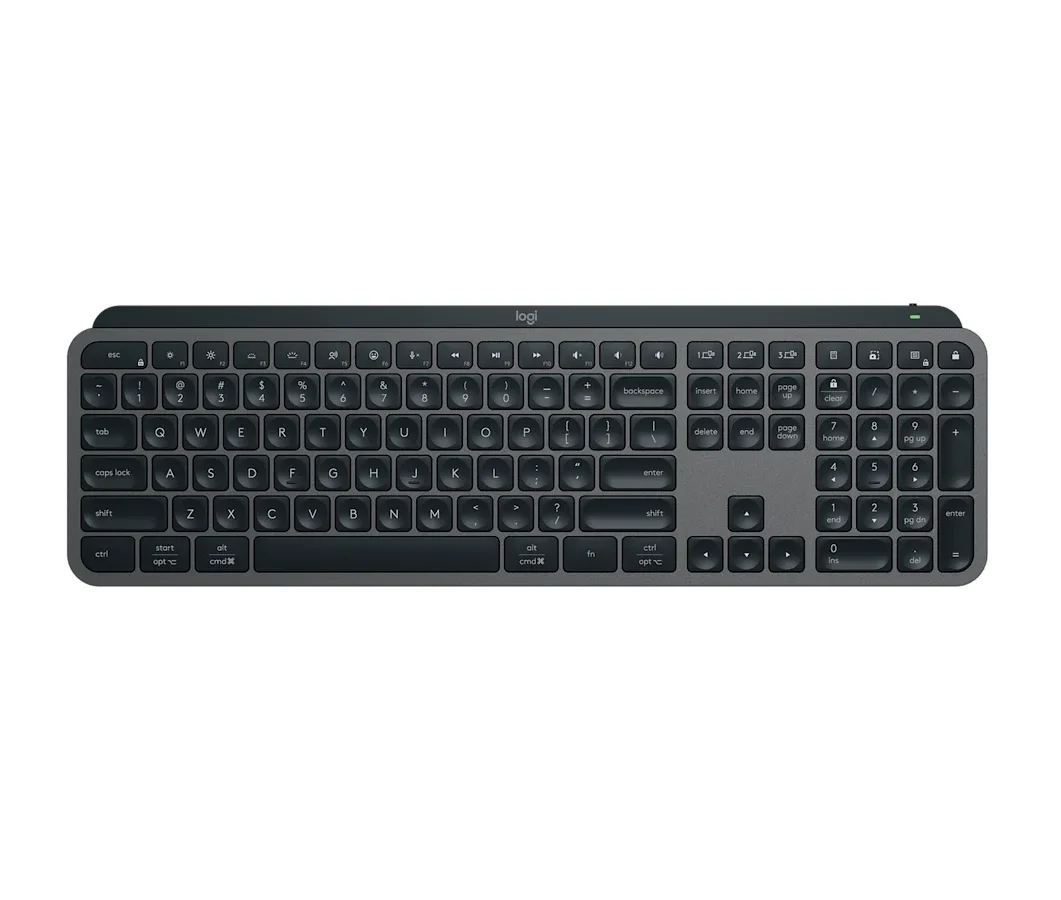
The Logitech MX Keys S won because it solves a problem no mechanical keyboard even attempts: making a desk keyboard feel as natural as a laptop keyboard, but better in every way. Cameron Dougherty Tech, who used it daily for years before reviewing it, found the concave scissor-key design guides your fingertips into exactly the right position on every keystroke. That sounds like a small thing. It adds up over 8 hours of typing.


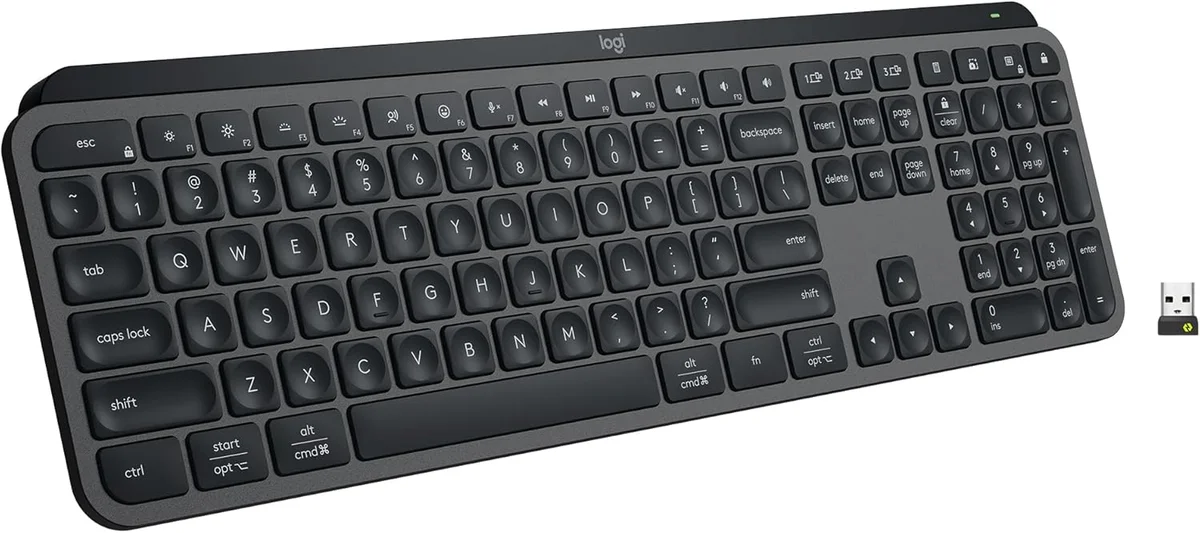
The multi-device switching is where the MX Keys S pulls away from everything else we tested. Three dedicated buttons on the top row let you hop between computers with a single tap. Cameron Dougherty Tech specifically tested the sleep-to-wake latency and called it "magical" compared to keyboards that take 3-5 seconds to reconnect after you step away. If you bounce between a work laptop and a desktop monitor setup, this keyboard eliminates the daily friction of reconnecting.
Smart backlighting sealed it. An ambient light sensor adjusts brightness based on your room, and a proximity sensor lights up the keys the moment your hands hover over the board. No other keyboard at any price does this. Cameron Dougherty Tech couldn't find a single competitor with both sensors working together. You sit down, the keys glow. You walk away, they turn off. The battery benefit is real: with this system managing the LEDs, Logitech claims 5 months of battery life with backlighting on auto.
The MX Keys S also happens to be one of the quietest keyboards you can buy. Cameron Dougherty Tech ran typing sound tests and confirmed it won't get picked up by a microphone during business calls. In an open-plan office, that matters more than RGB lighting or hot-swap switches.
What It Won't Do
Battery life with the smart backlight is the MX Keys S's biggest weakness. Cameron Dougherty Tech tested it and found that while the keyboard lasts 5 months with the backlight off, turning it on drops that to roughly 10 days. That's a massive gap. If you want the signature feature (the proximity-sensing backlight), you're charging this keyboard every week and a half. The ABS keycaps also develop a greasy shine over time, and the scissor clips are so fragile that Cameron Dougherty Tech warned against ever removing them for cleaning. You can't pop these keycaps off the way you would on a mechanical board without risking a broken clip.
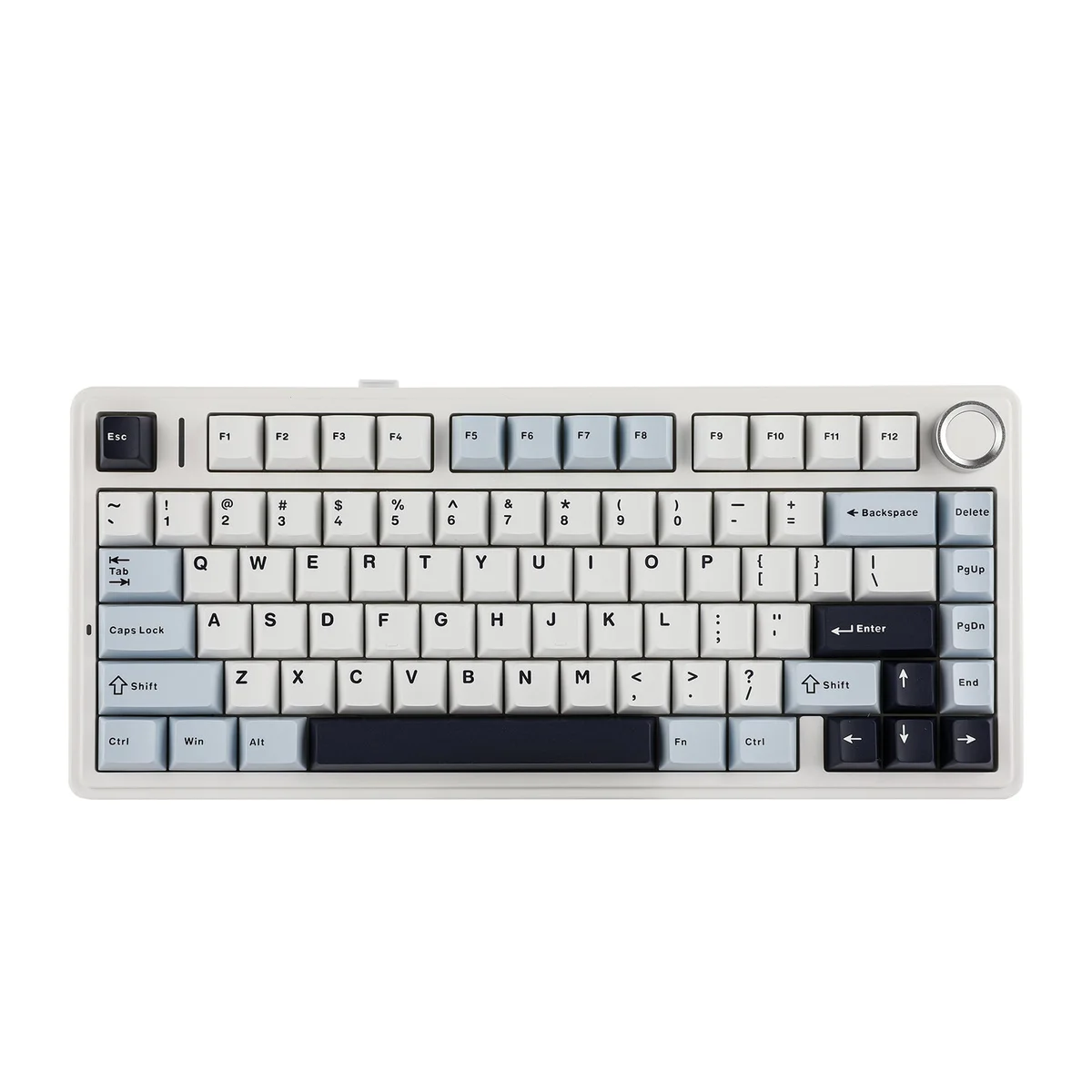
The Aula F75 costs $48. Read that number again, because the feature list makes no sense at this price. Gasket mount, tri-mode wireless (Bluetooth, 2.4GHz dongle, and wired), hot-swappable switches, a volume knob, RGB, double-shot PBT keycaps, and five layers of internal sound dampening. Those are features you normally see on $120-$150 keyboards.
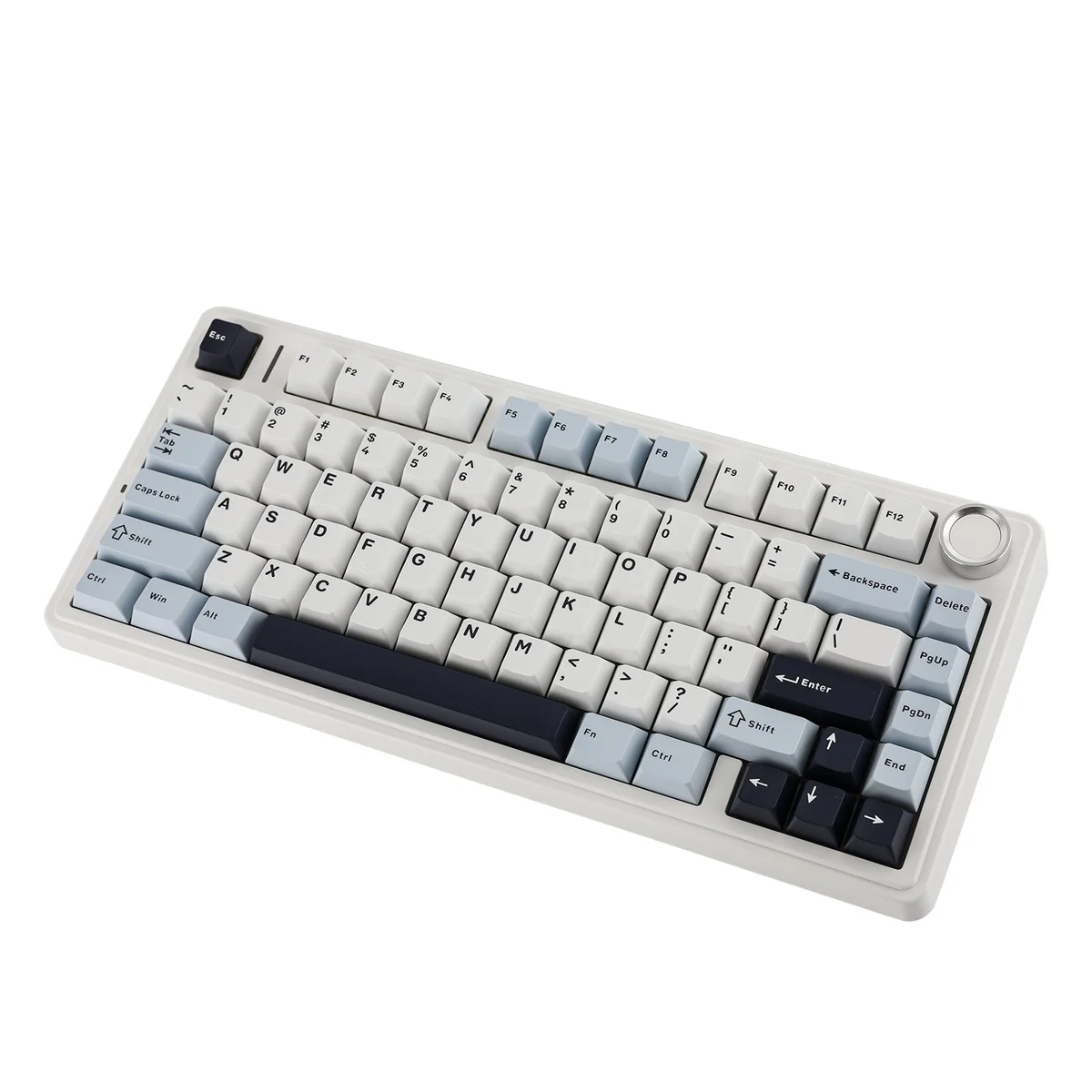
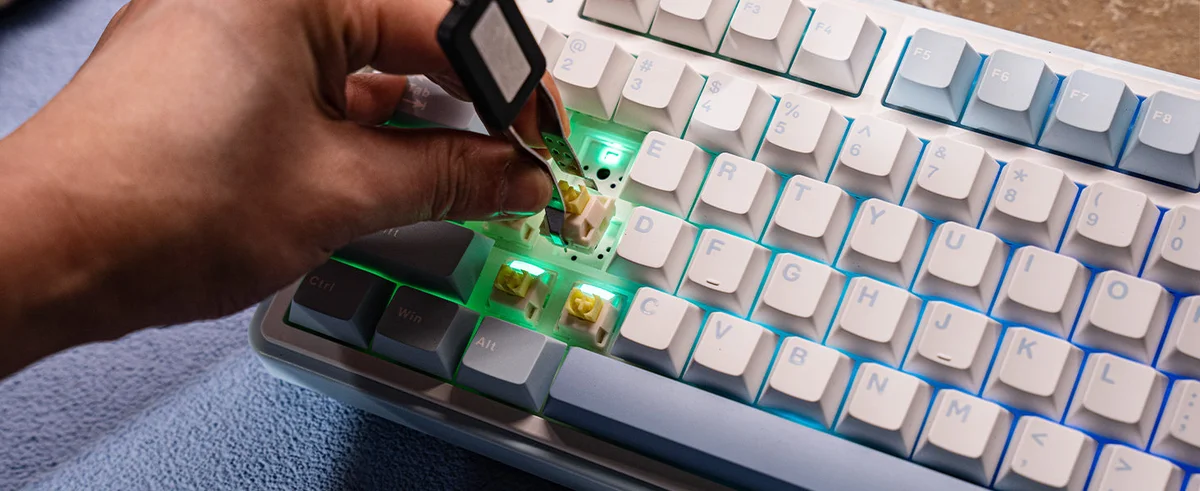
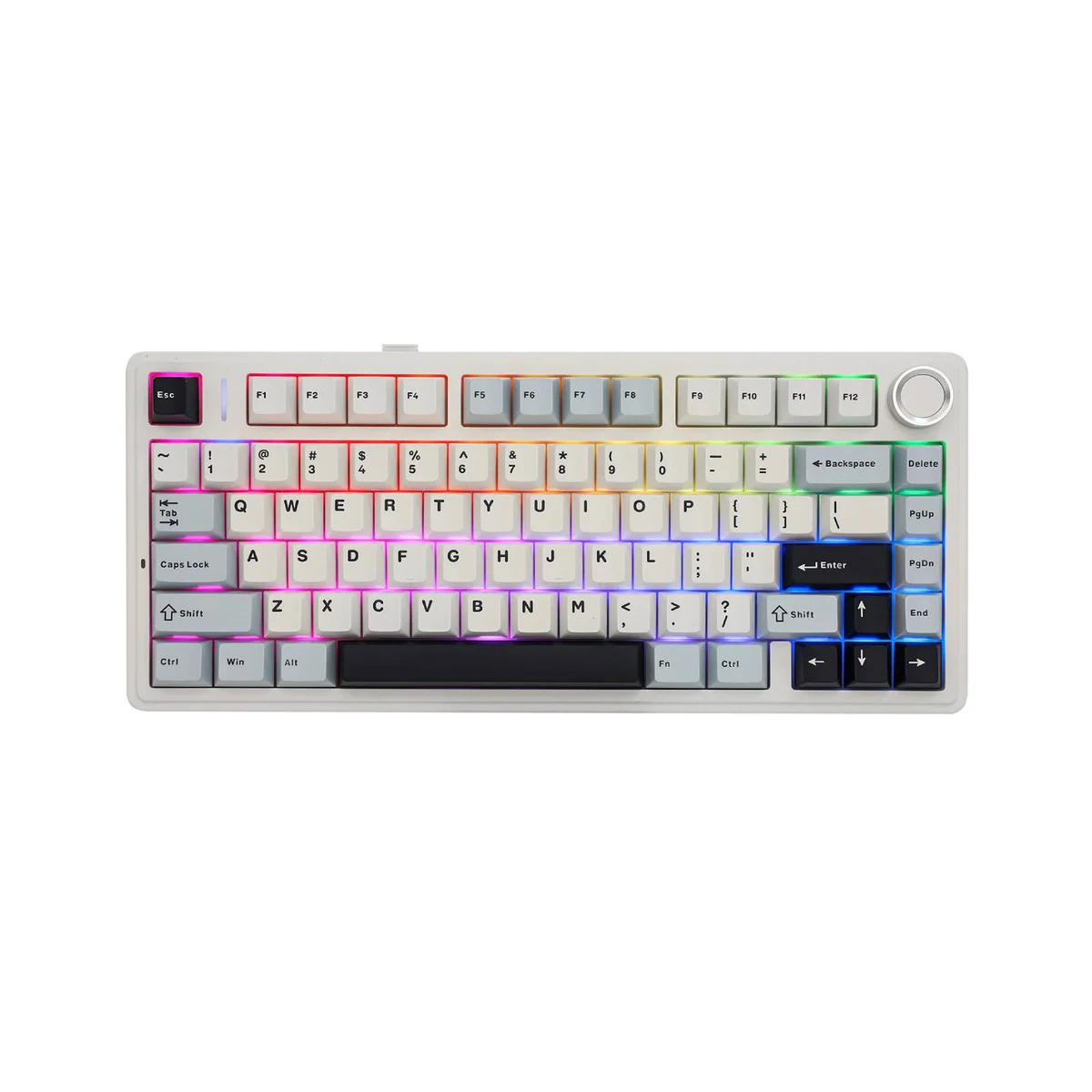
Switch and Click tested the typing feel and said it produces a "creamy" sound profile that rivals custom mechanical keyboards three times the price. The LEOBOG Reaper linear switches come pre-lubed from the factory, and the leaf-spring gasket mount gives every keystroke a soft, bouncy landing. Hipyo Tech backed this up, calling the F75 "rock solid" for its price.
The tri-mode connectivity gives it something the MX Keys S doesn't have: a wired USB-C fallback. If Bluetooth drops, if you're at a locked-down work PC that blocks wireless devices, if you just want zero latency for gaming after hours, plug it in. The 1,000Hz polling rate over wired or 2.4GHz means the Aula F75 doubles as a gaming keyboard. The MX Keys S, with its 125Hz membrane switches, can't touch that.
At $48, the biggest risk is that you'll compare it to your coworker's $150 board and wonder what they're paying for.
What It Won't Do
The software is bad. Switch and Click described it as "sketchy-looking software that barely works," and they aren't exaggerating. If you want to remap keys or adjust the RGB, you have to download a proprietary Windows app that looks like it was designed a decade ago. There's no VIA support, no web-based remapping, no macOS app. The keyboard works fine out of the box with its default layout, but if customization matters to you, this is a serious downgrade from the Epomaker Galaxy 100 or Keychron V6 Max. The all-plastic chassis also has slightly uneven gaskets, which means some keys feel marginally softer than others if you're paying close attention.
Who Should Buy Which
Logitech MX Keys S
The best non-mechanical typing experience, with smart backlighting and instant multi-device switching
- You prefer flat, laptop-style typing and want the best version of that experience on your desk
- You switch between 2-3 computers throughout the day and need instant device swapping
- You work in a shared or open-plan office where typing noise matters
- You want backlit keys that auto-adjust to your room lighting without manual controls
- You use both Mac and Windows and need one keyboard that handles both without physical toggles
Aula F75
Gasket-mount mechanical feel that rivals $200 boards, for under $50
- You want satisfying mechanical key feel and don't want to spend more than $50
- You work from home where typing noise isn't a concern for coworkers
- You can live without a numpad (75% layout) or already have a separate numpad
- You want a wired USB-C fallback option that the MX Keys S doesn't offer
- You want a keyboard that doubles for gaming after hours (1,000Hz polling rate)