The Logitech MX Keys S meets
the Logitech POP Icon Keys
The best office keyboard at RTINGS, Engadget, and CNN Underscored. We tested it head-to-head against the Logitech POP Icon Keys across 6 key dimensions.
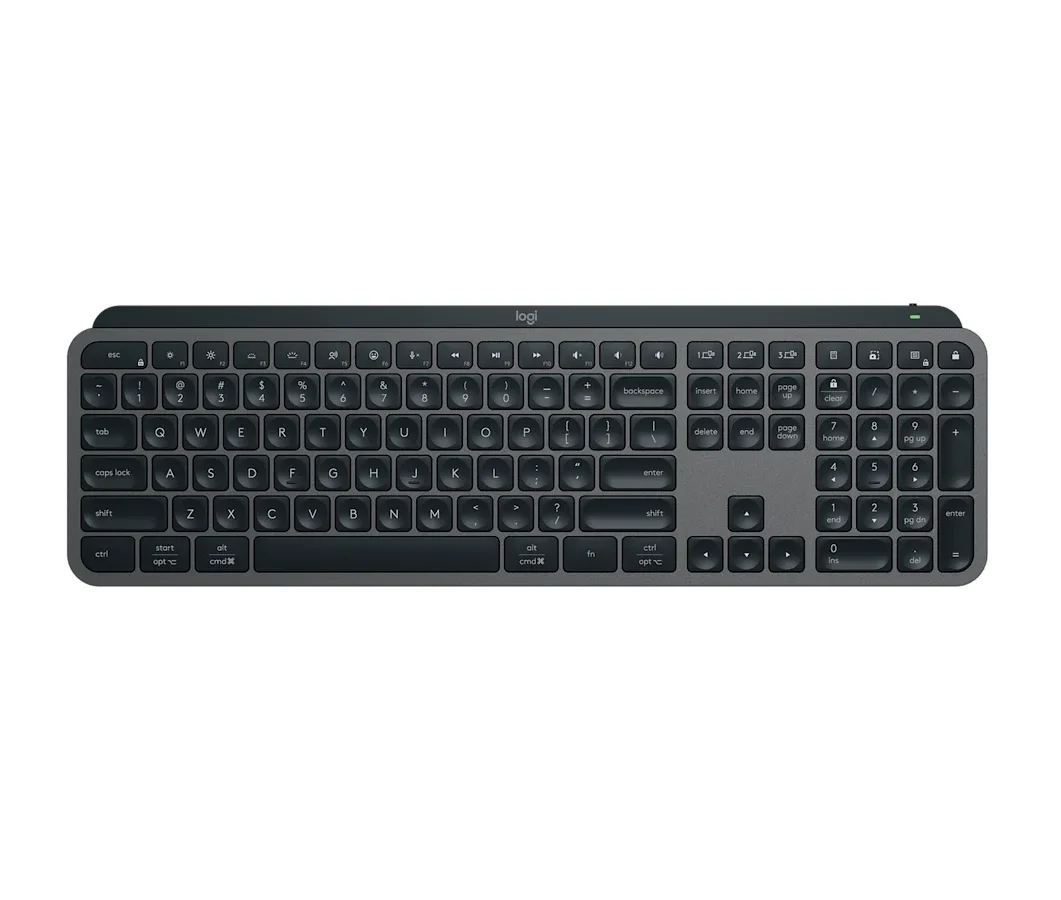


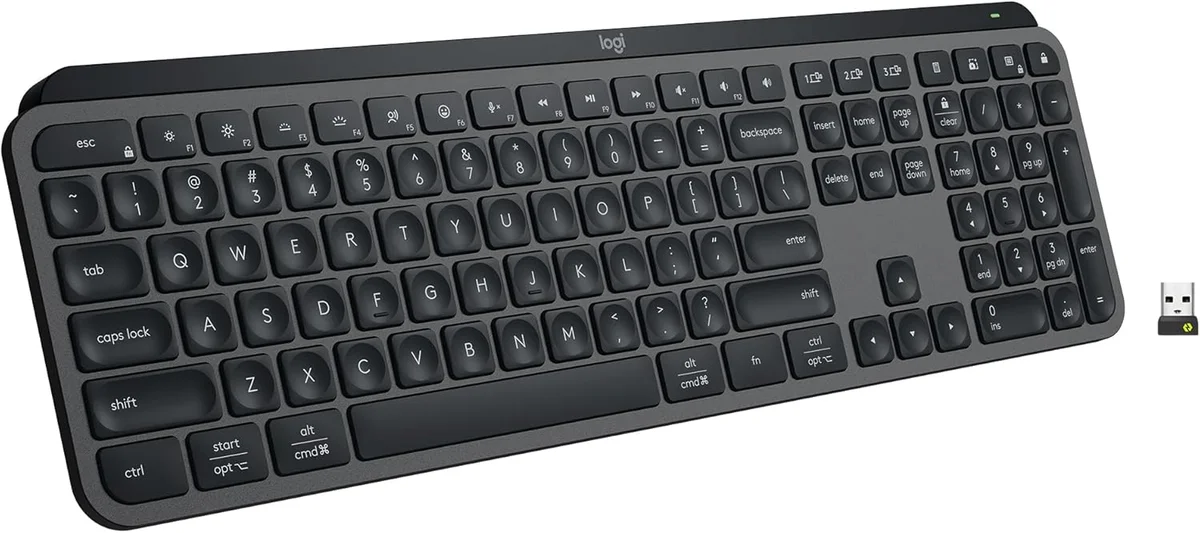
Logitech MX Keys S
“The best office keyboard at RTINGS, Engadget, and CNN Underscored”
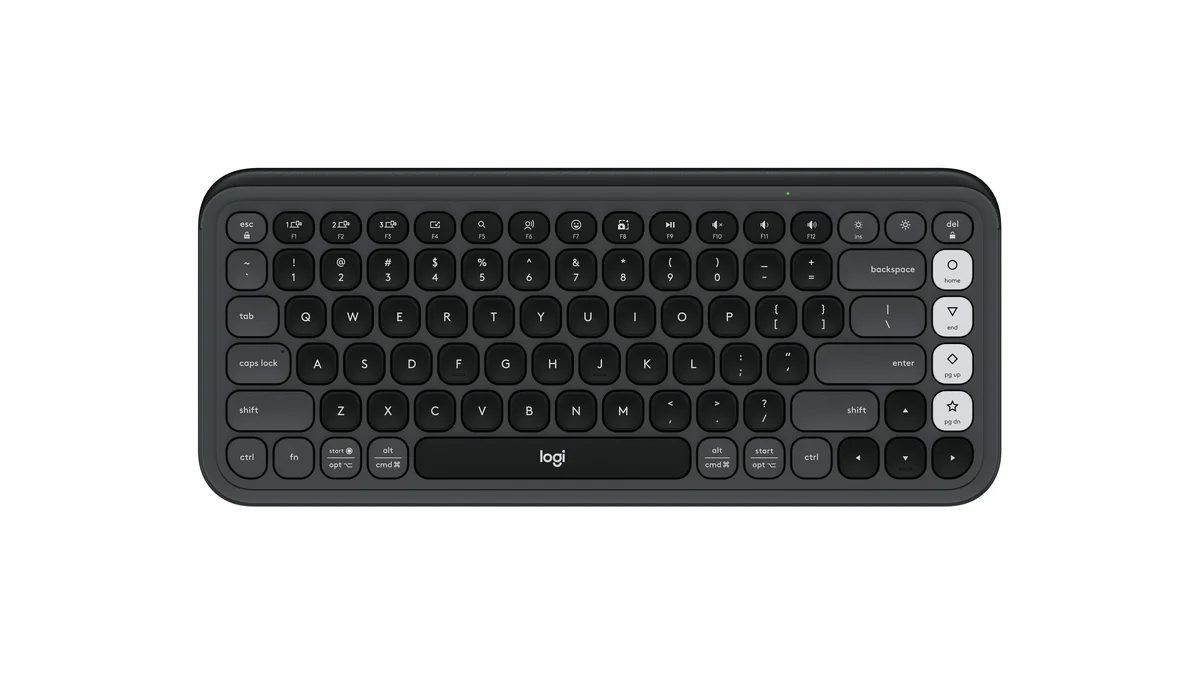
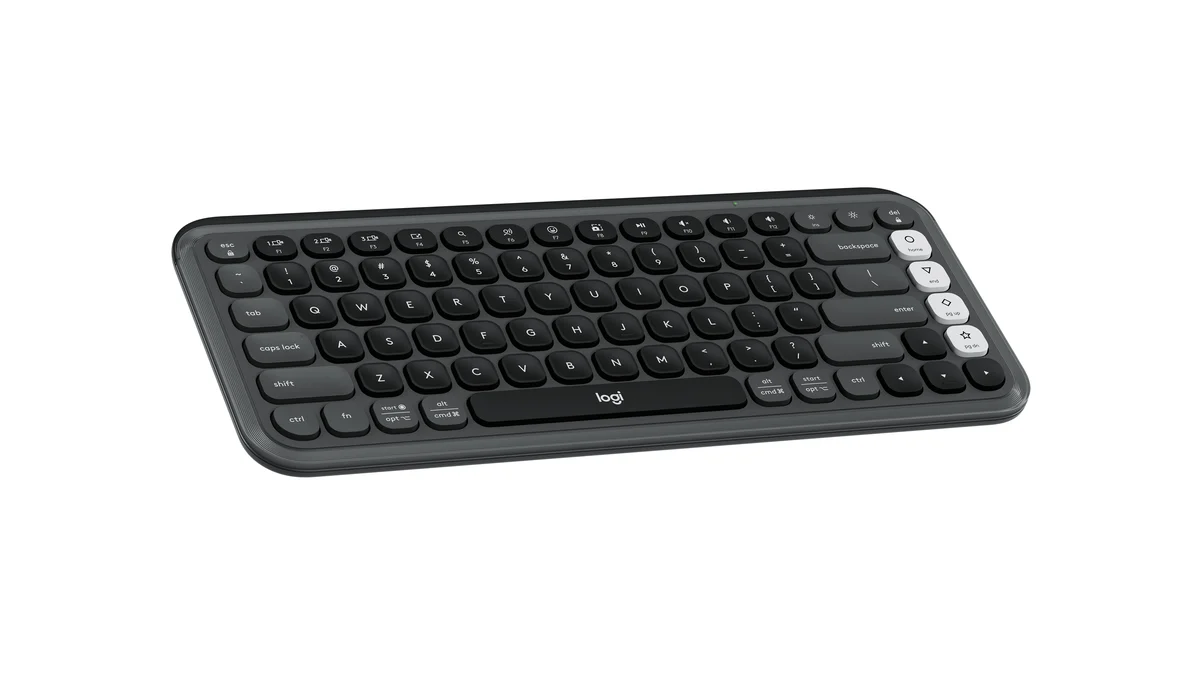
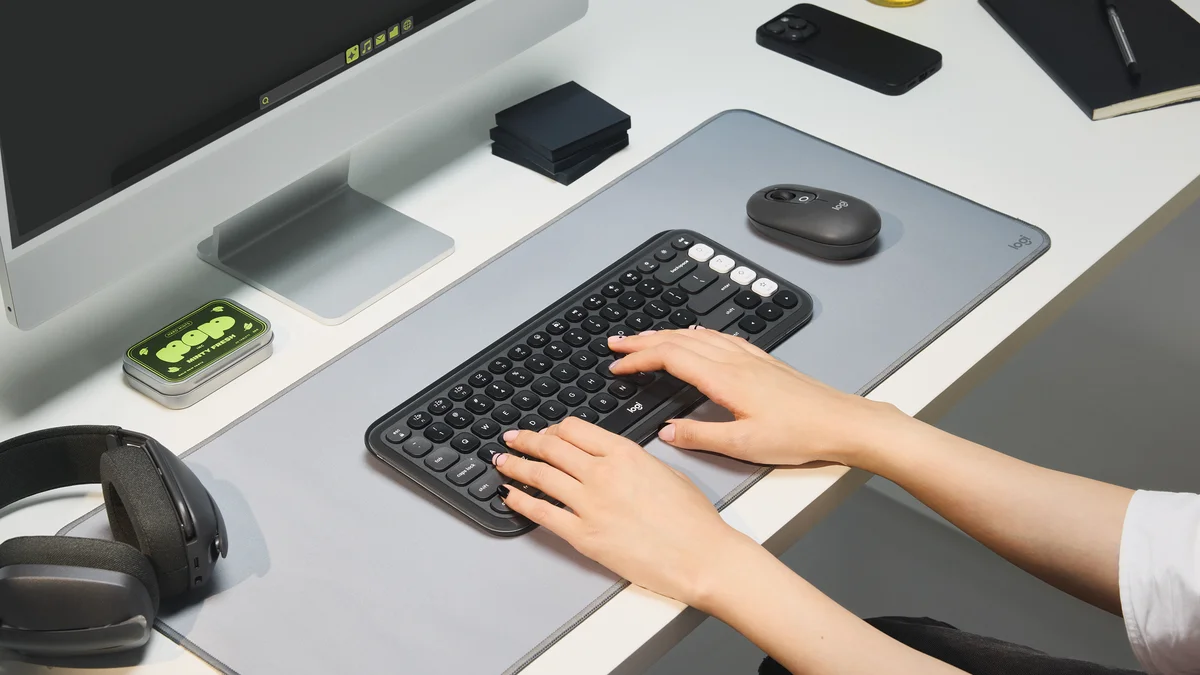
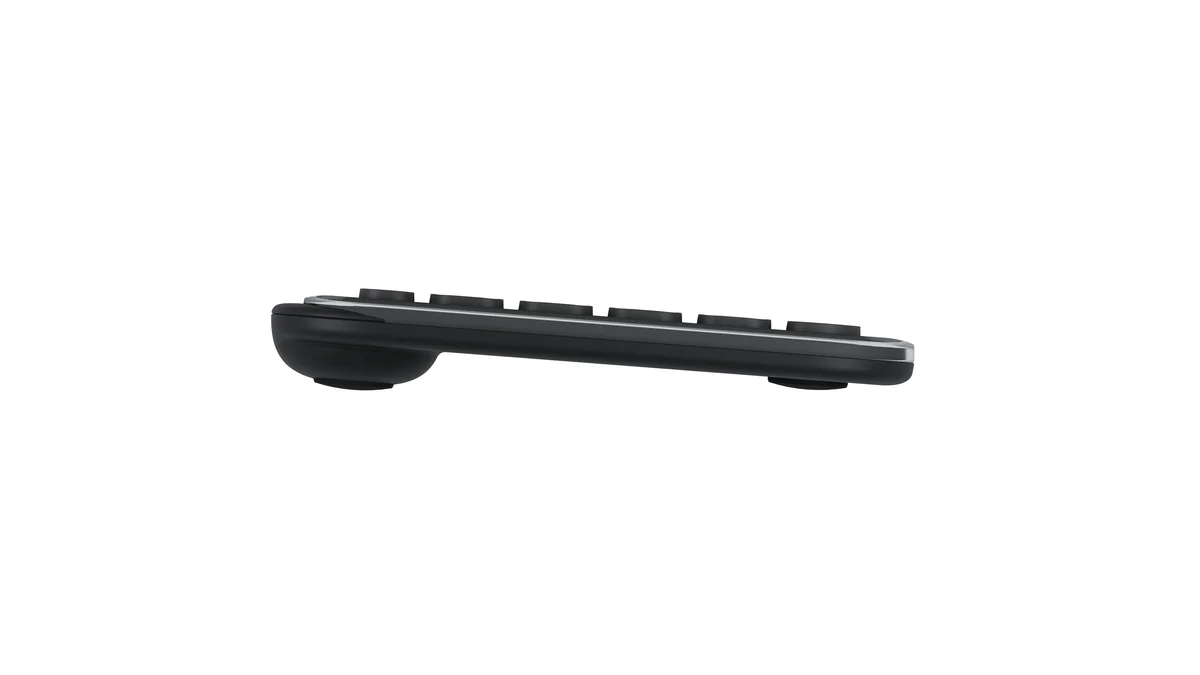
Logitech POP Icon Keys
“Wirecutter's top wireless keyboard, with three-year battery life for under $50”
Head-to-Head Breakdown
Strengths & Weaknesses
Logitech MX Keys S
- Best office keyboard at RTINGS, and best overall at Engadget and CNN Underscored
- Dished keycaps guide your fingertips to the center of each key, per RTINGS
- Pairs three devices over Bluetooth or the included Logi Bolt receiver
- Wirecutter measured about 10 days of battery with the backlight on, and the battery isn't replaceable
- Wirecutter calls it huge, and it takes up much more desk than a compact board
- Tom's Guide found the backlight dim and missed a storage slot for the receiver
Logitech POP Icon Keys
- Wirecutter's top pick for the best wireless keyboard
- Engadget's best budget keyboard and a PCMag award winner
- 36-month battery life on two AAA batteries and three-device switching
- No number pad or backlight
- The Logi Bolt receiver is sold separately, per PCMag
- Wirecutter dislikes the spacebar logo and the shiny plastic border
The Verdict
Our Bottom Line
The Logitech MX Keys S won because it solves a problem no mechanical keyboard even attempts: making a desk keyboard feel as natural as a good laptop keyboard. Cameron Dougherty Tech, who used it daily for years before reviewing it, found the concave scissor-key design guides your fingertips into exactly the right position on every keystroke. That sounds like a small thing. It adds up over 8 hours of typing.
Logitech MX Keys S
The Logitech MX Keys S won because it solves a problem no mechanical keyboard even attempts: making a desk keyboard feel as natural as a good laptop keyboard. Cameron Dougherty Tech, who used it daily for years before reviewing it, found the concave scissor-key design guides your fingertips into exactly the right position on every keystroke. That sounds like a small thing. It adds up over 8 hours of typing.
- You switch between a work laptop, a desktop, and a tablet every day
- You want a full-size layout with a number pad
- You type in a shared office or on calls and need quiet keys
- You want a backlight for early mornings or late nights
Logitech POP Icon Keys
Wirecutter's Kimber Streams typed on 32 wireless keyboards this year, each for at least a full workday on Windows and Mac, and the Logitech POP Icon Keys came out on top. The verdict was comfortable, compact, and convenient, with long battery life and switching between three paired devices. Engadget named it the best budget keyboard, and PCMag gave it an award as well.
- You want a quiet, comfortable wireless keyboard for about $50
- You never want to think about charging
- You work on a small desk and don't use a number pad
- Your computers all support Bluetooth