The Wacom Intuos Pro Medium meets
the Xencelabs Pen Tablet Medium Bundle
The pen tablet that wins three out of eight independent rankings on 40 years of driver maturity, the Pro Pen 3 with 1g activation force, and the workflow surface every working illustrator already knows.. We tested it head-to-head against the Xencelabs Pen Tablet Medium Bundle across 6 key dimensions.
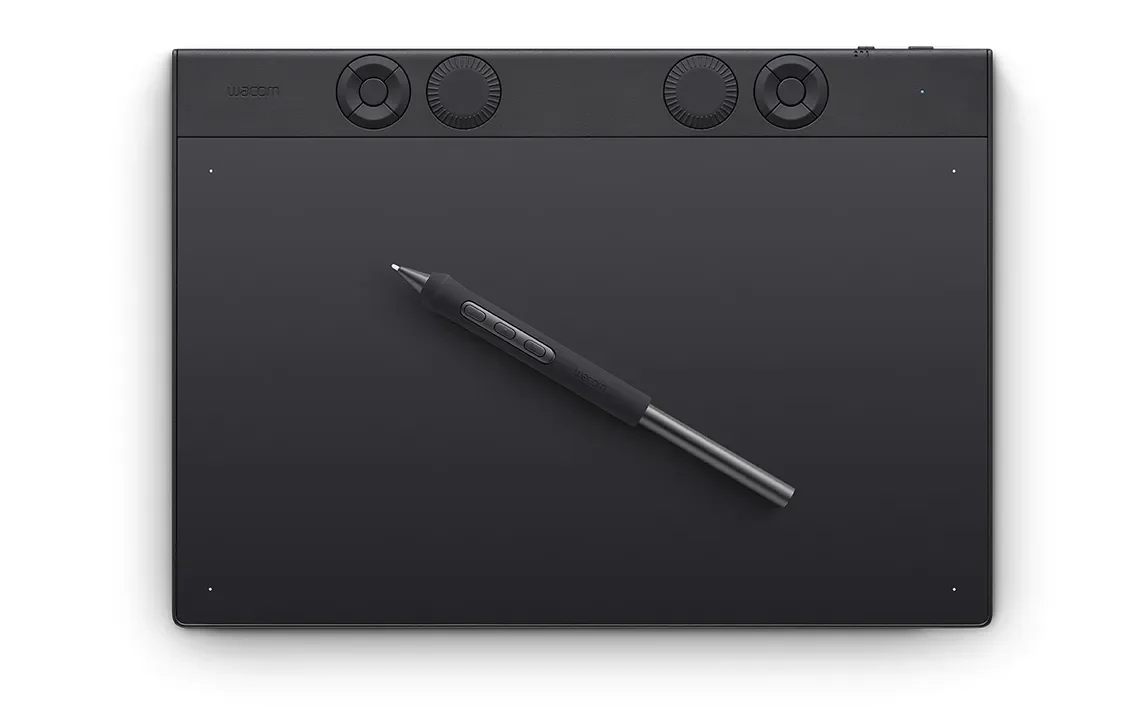
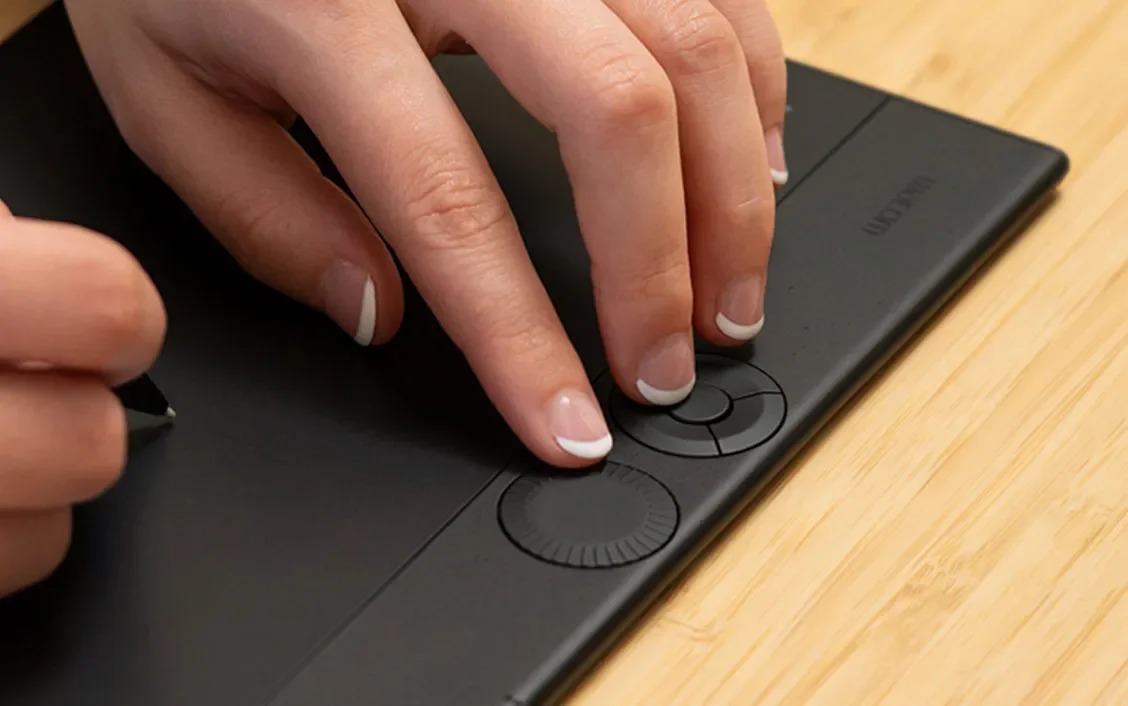
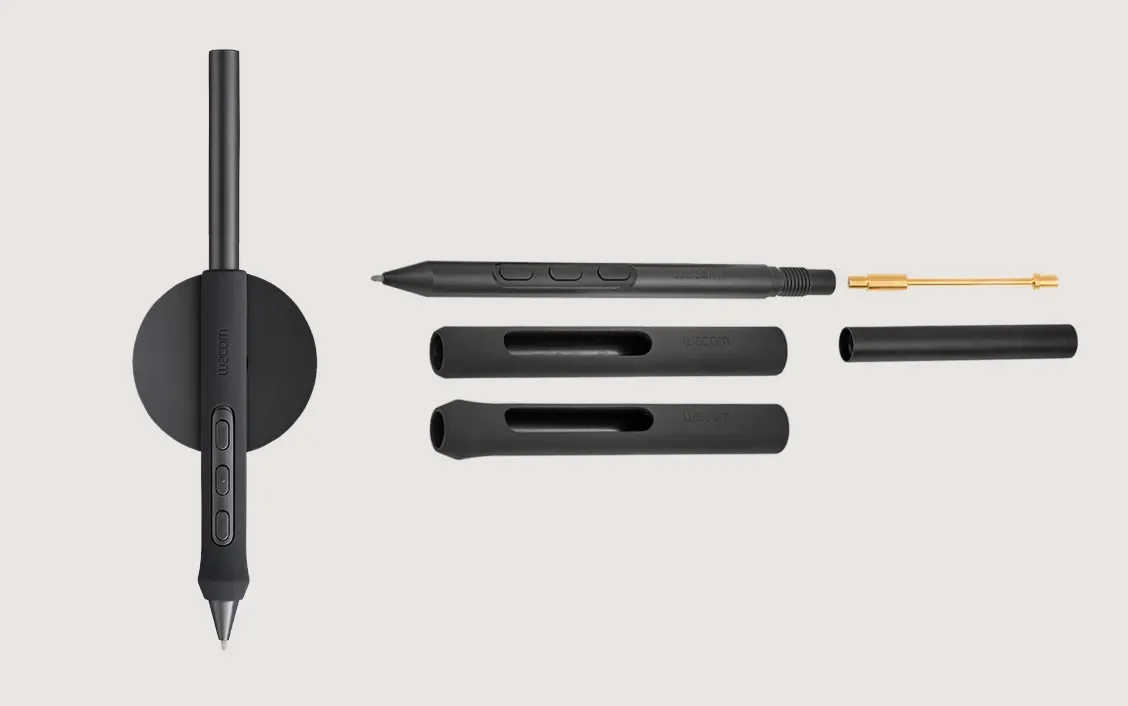
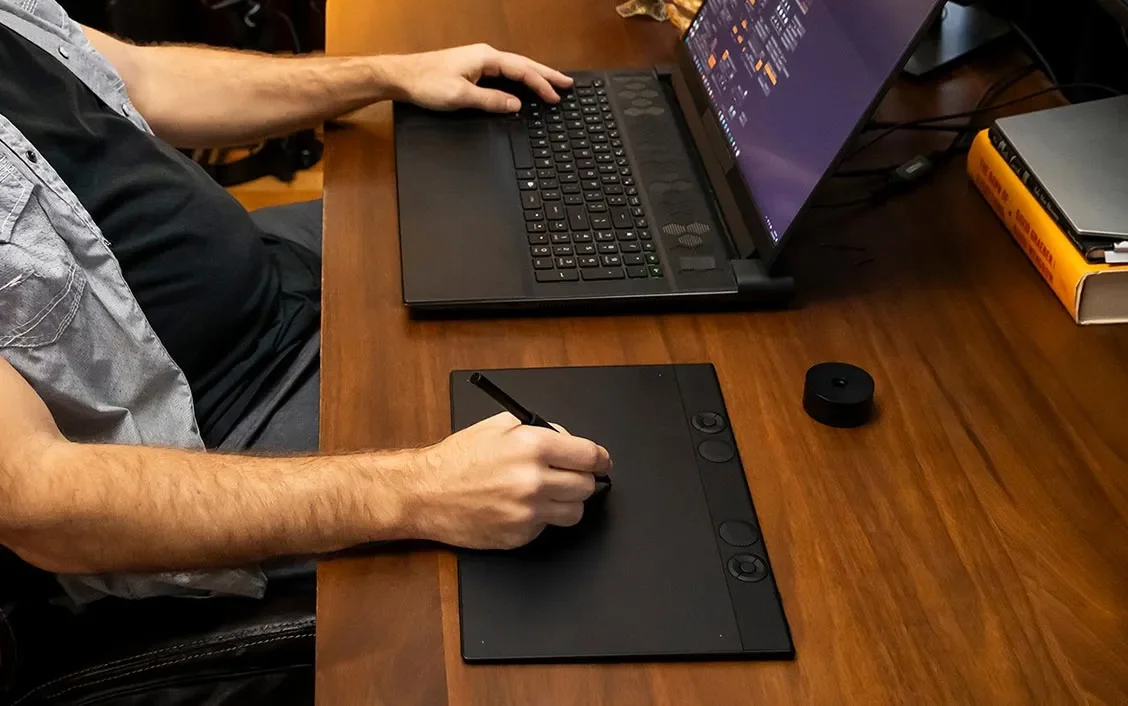
Wacom Intuos Pro Medium
“The pen tablet that wins three out of eight independent rankings on 40 years of driver maturity, the Pro Pen 3 with 1g activation force, and the workflow surface every working illustrator already knows.”
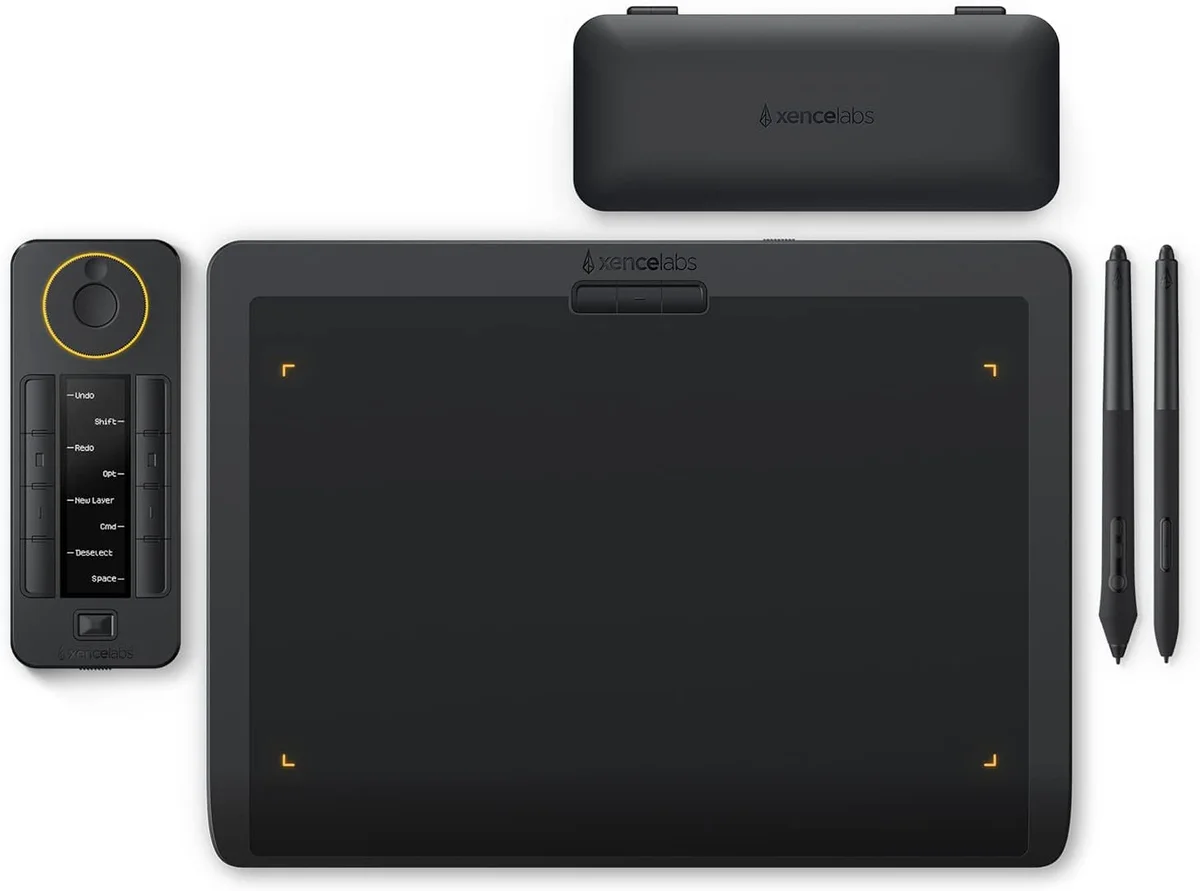
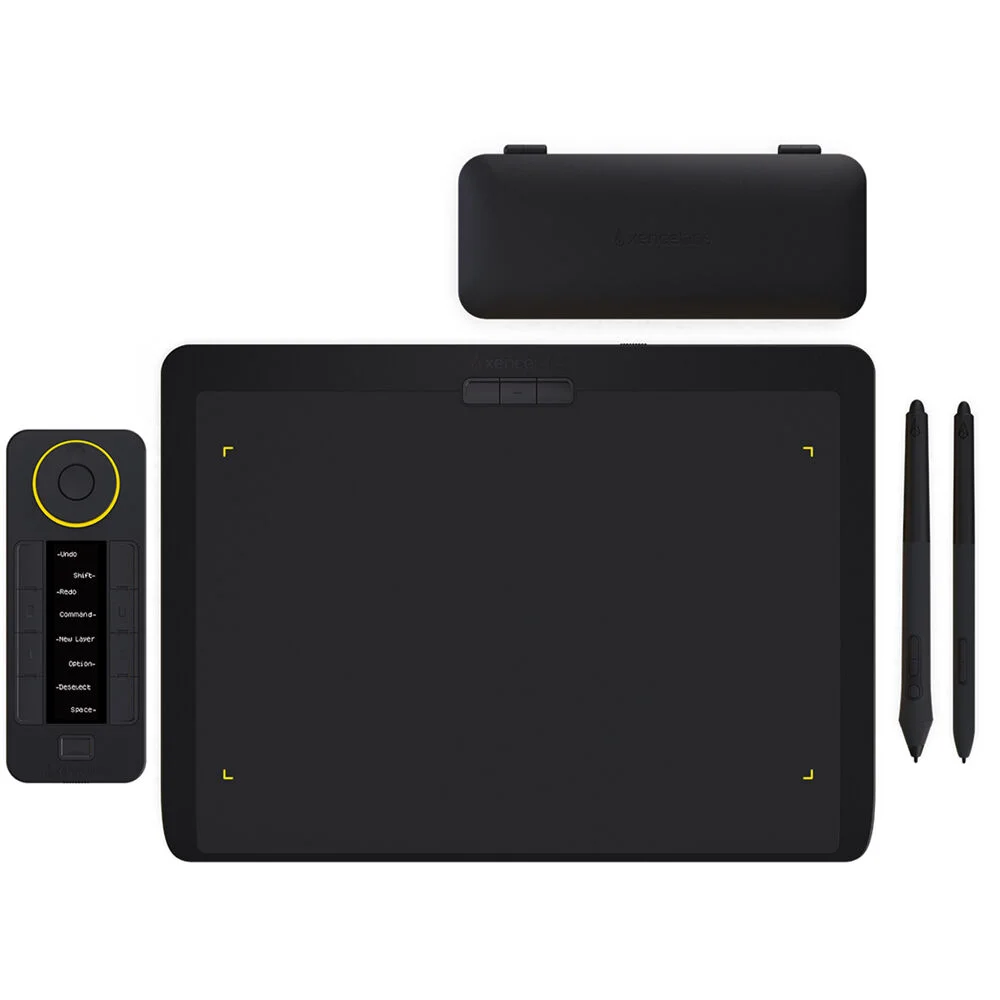
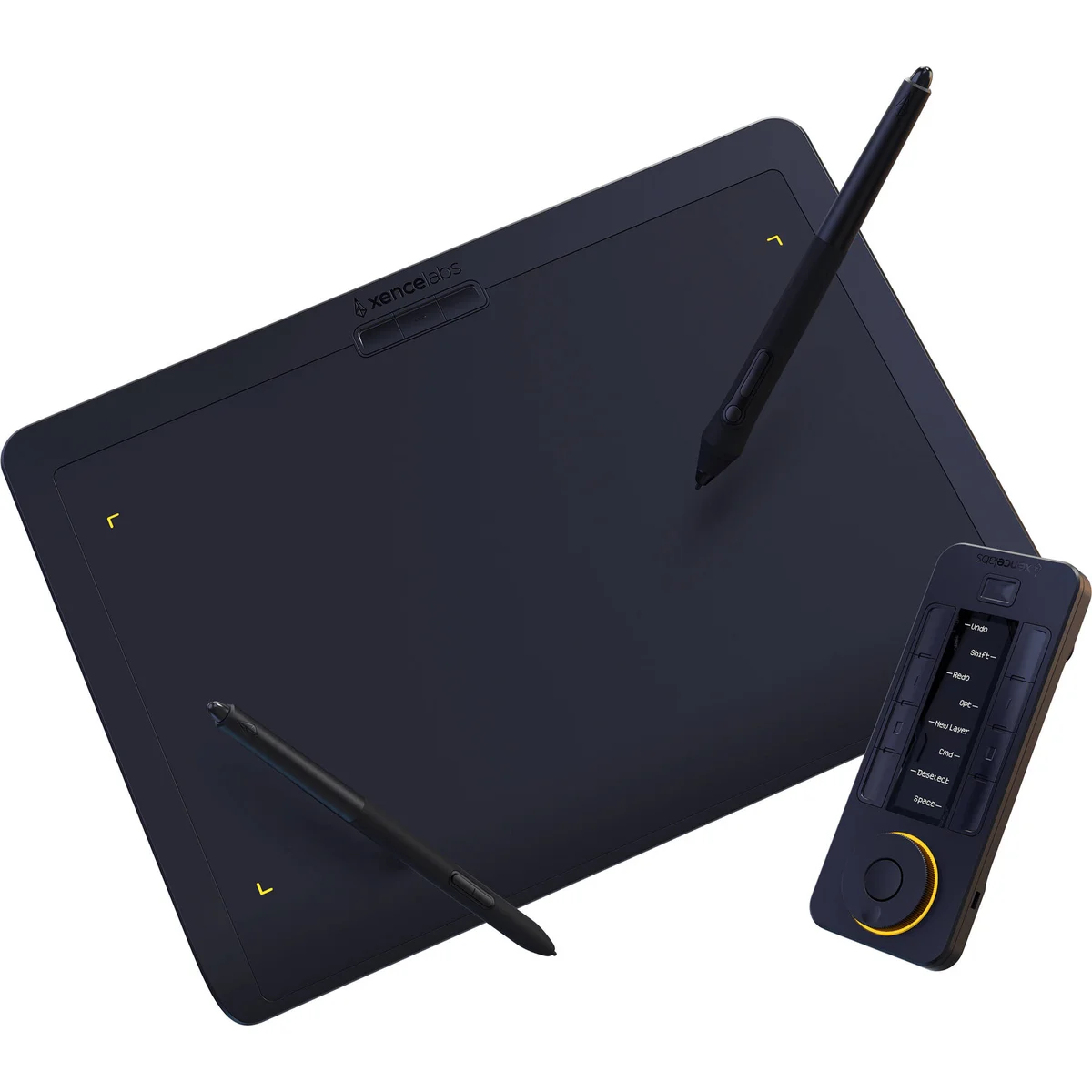

Xencelabs Pen Tablet Medium Bundle
“Two pens, a wireless Quick Keys remote, and a carrying case for $50 less than Wacom ships a single Intuos Pro stylus. It's the value pick three independent reviewers gave 5/5.”
Head-to-Head Breakdown
Strengths & Weaknesses
Wacom Intuos Pro Medium
- Three sources rank it #1 (CreativeBloq, Digital Camera World, and CreativeBloq digital artists)
- Pro Pen 3 with 1g activation force is the lightest in the industry (CreativeBloq)
- Wacom drivers have the fewest conflicts with Adobe creative apps (Art Side of Life)
- More expensive than competitors (CreativeBloq)
- Comes with only one stylus (Xencelabs ships two for less money)
- 8,192 pressure levels are half what XPPen and Huion now offer (16,384)
Xencelabs Pen Tablet Medium Bundle
- Two pens, Quick Keys remote, and carrying case included; CreativeBloq, Digital Camera World, and Kunstplaza all flag the bundle value
- Joe Foley (CreativeBloq) gave it 5/5: 'perfect surface tooth, two pens, wireless Quick Keys'
- Active area is 10.33 × 5.8 in, larger than the Wacom Intuos Pro Medium at 8.7 × 5.8 in
- Shortcut keys live on a separate remote rather than the tablet body (CreativeBloq)
- Doesn't feel quite as premium in hand as the Intuos Pro (CreativeBloq digital artists)
- Smaller driver ecosystem than Wacom (Digital Camera World)
The Verdict
Our Bottom Line
Eight independent reviews covered this category: CreativeBloq (two separate articles), TechRadar, Digital Camera World, Art Side of Life, Tech Times, Clip Studio's Art Rocket, and the Kunstplaza six-expert panel. The Wacom Intuos Pro Medium ranked #1 in three of them. Ian Dean's CreativeBloq main guide put it on top for quality build and slim profile; Mike Harris at Digital Camera World called it 'the best drawing tablet for photo editing overall with reliable precision and unmatched software compatibility'; Joe Foley's CreativeBloq follow-up gave it 5/5 specifically for the new Pro Pen 3 with 1g activation force. No competing pen tablet appears in more than two top-three slots across these reviews. What anchors the consensus isn't the pressure-level spec, since Wacom is at 8,192 while XPPen and Huion have moved to 16,384. It's the surface tooth and the driver story. Iva Mikles spelled it out in the Art Side of Life Wacom vs Huion deep dive: 'Wacom's driver ecosystem is the most stable in the industry, and while XPPen and Huion have made huge strides, Wacom drivers still have fewer conflicts with creative software, especially Adobe products.' That's the difference between a tablet you have to troubleshoot when a Photoshop update lands and one that just works on day one. The Intuos Pro Medium is $379.95 with eight ExpressKeys, a Touch Ring, multi-touch surface, and Bluetooth. It's the working illustrator's default.
Wacom Intuos Pro Medium
Eight independent reviews covered this category: CreativeBloq (two separate articles), TechRadar, Digital Camera World, Art Side of Life, Tech Times, Clip Studio's Art Rocket, and the Kunstplaza six-expert panel. The Wacom Intuos Pro Medium ranked #1 in three of them. Ian Dean's CreativeBloq main guide put it on top for quality build and slim profile; Mike Harris at Digital Camera World called it 'the best drawing tablet for photo editing overall with reliable precision and unmatched software compatibility'; Joe Foley's CreativeBloq follow-up gave it 5/5 specifically for the new Pro Pen 3 with 1g activation force. No competing pen tablet appears in more than two top-three slots across these reviews. What anchors the consensus isn't the pressure-level spec, since Wacom is at 8,192 while XPPen and Huion have moved to 16,384. It's the surface tooth and the driver story. Iva Mikles spelled it out in the Art Side of Life Wacom vs Huion deep dive: 'Wacom's driver ecosystem is the most stable in the industry, and while XPPen and Huion have made huge strides, Wacom drivers still have fewer conflicts with creative software, especially Adobe products.' That's the difference between a tablet you have to troubleshoot when a Photoshop update lands and one that just works on day one. The Intuos Pro Medium is $379.95 with eight ExpressKeys, a Touch Ring, multi-touch surface, and Bluetooth. It's the working illustrator's default.
- Work in Adobe Photoshop or Illustrator daily, where driver conflicts kill your weekend
- Want shortcut keys integrated into the tablet body, not on a separate remote
- Already invested in Wacom drivers and Wacom Center
- Photo retoucher or 3D sculptor, since the pressure-level spec doesn't matter, the feel does
- Need Linux support, because Wacom's LinuxWacom kernel integration is the only mature option
Xencelabs Pen Tablet Medium Bundle
The Xencelabs Pen Tablet Medium Bundle is the rare value pick that wins on accessories rather than cuts. For $329.99, which is $50 less than the Intuos Pro Medium, you get two battery-free pens (a thick 3-button and a slim 2-button), a wireless Quick Keys remote with an OLED display, and a carrying case. Joe Foley (CreativeBloq) gave it 5/5 with the same rating as the Intuos Pro Medium, calling out 'perfect surface tooth, two pens, and a wireless Quick Keys remote.' The Kunstplaza six-reviewer panel scored it 4.6/5 with the phrase 'virtually lag-free drawing experience.' The active drawing area is actually larger than the Intuos Pro Medium (10.33 × 5.8 in vs 8.7 × 5.8 in). Xencelabs was founded by ex-Wacom executives, and the pen feel shows it, because the company has shipped consistent firmware since 2021.
- Just buying your first pro pen tablet, where the bundled accessories save real money
- Larger active area matters (10.33-inch vs 8.7-inch)
- Working remotely with HP Anyware or other remote desktop tools
- Like having a separate Quick Keys remote you can position anywhere on the desk
- Comfortable troubleshooting occasional driver hiccups in exchange for the bundle value