The Best Office Keyboards
Verified by
 Ryan V. Editor-in-Chief
When you purchase through links on our site, we may earn an affiliate commission.
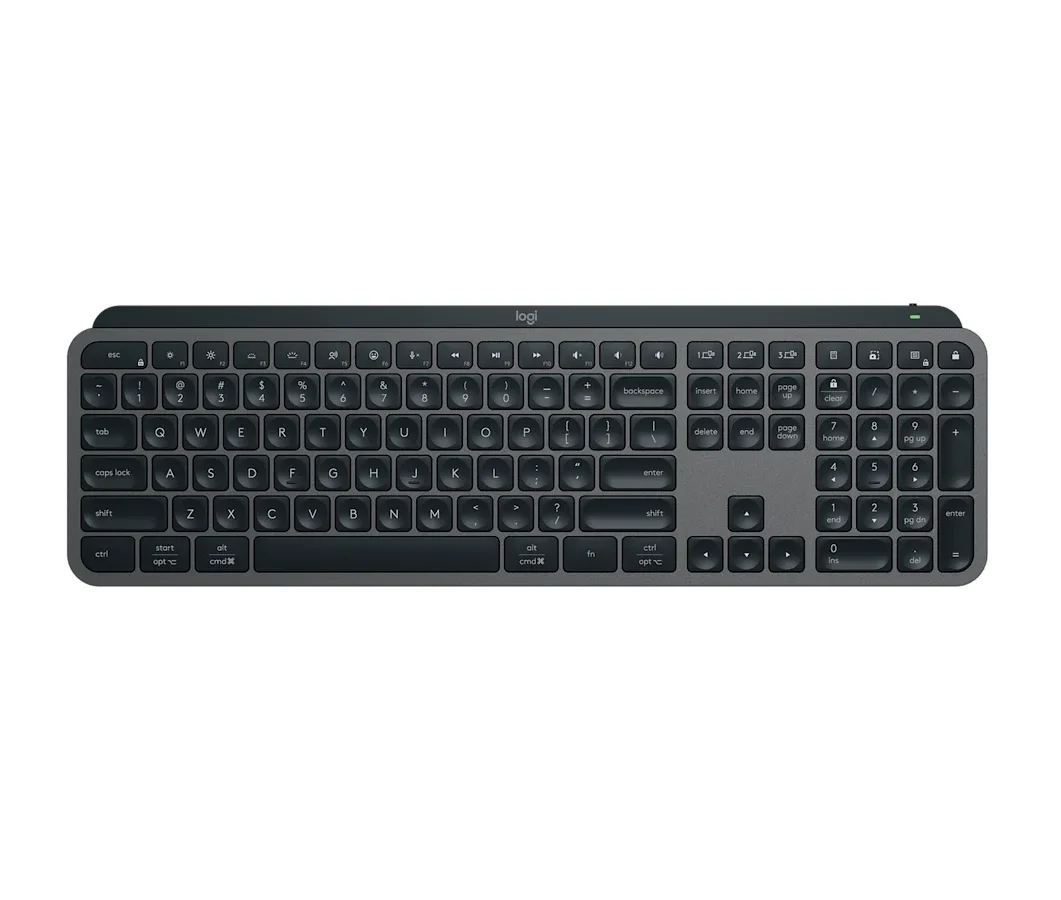
The Logitech MX Keys S won because it solves a problem no mechanical keyboard even attempts: making a desk keyboard feel as natural as a good laptop keyboard. Cameron Dougherty Tech, who used it daily for years before reviewing it, found the concave scissor-key design guides your fingertips into exactly the right position on every keystroke. That sounds like a small thing. It adds up over 8 hours of typing.


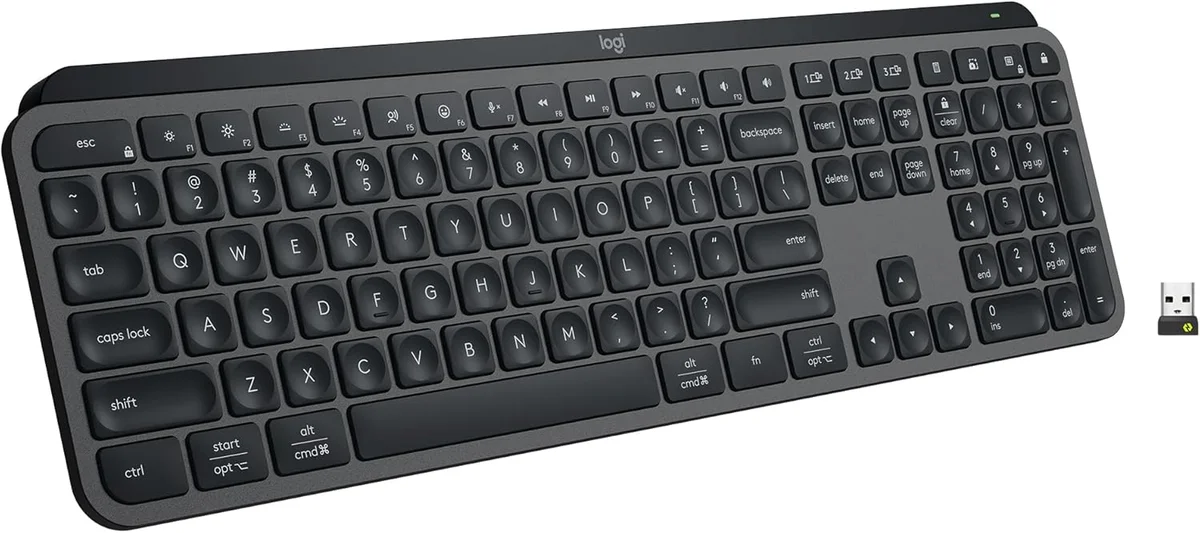
Multi-device switching is where the MX Keys S pulls ahead of most rivals. Three dedicated buttons on the top row let you hop between computers with a single tap. Cameron Dougherty Tech specifically tested the sleep-to-wake latency and called it "magical" compared to keyboards that take 3-5 seconds to reconnect after you step away. If you bounce between a work laptop and a desktop monitor setup, this keyboard eliminates the daily friction of reconnecting.
Smart backlighting sealed it. An ambient light sensor adjusts brightness based on your room, and a proximity sensor lights up the keys the moment your hands hover over the board. It is a rare pairing at any price. Cameron Dougherty Tech couldn't find a single competitor with both sensors working together. You sit down, the keys glow. You walk away, they turn off. The battery benefit is real: with this system managing the LEDs, Logitech claims 5 months of battery life with backlighting on auto.
The MX Keys S also happens to be one of the quietest keyboards you can buy. Cameron Dougherty Tech ran typing sound tests and confirmed it won't get picked up by a microphone during business calls. In an open-plan office, that matters more than RGB lighting or hot-swap switches.
What It Won't Do
Battery life with the smart backlight is the MX Keys S's biggest weakness. Cameron Dougherty Tech tested it and found that while the keyboard lasts 5 months with the backlight off, turning it on drops that to roughly 10 days. That's a massive gap. If you want the signature feature (the proximity-sensing backlight), you're charging this keyboard every week and a half. The ABS keycaps also develop a greasy shine over time, and the scissor clips are so fragile that Cameron Dougherty Tech warned against ever removing them for cleaning. You can't pop these keycaps off the way you would on a mechanical board without risking a broken clip.
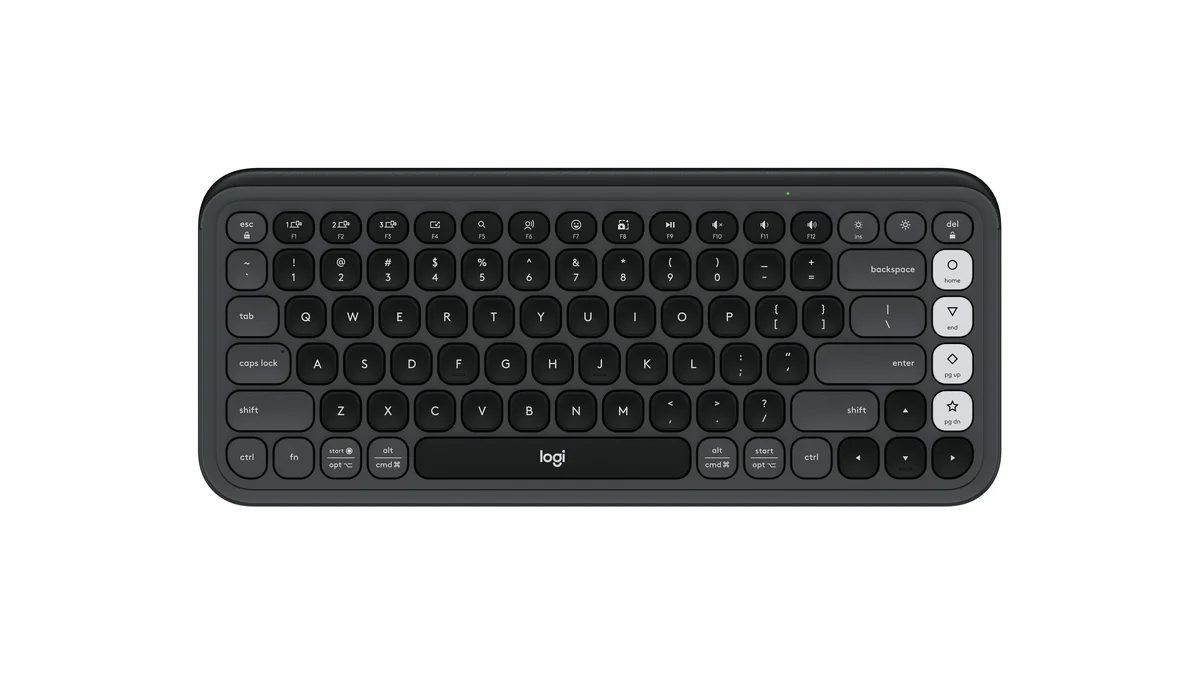
Wirecutter's Kimber Streams typed on 32 wireless keyboards this year, each for at least a full workday on Windows and Mac, and the Logitech POP Icon Keys came out on top. The verdict was comfortable, compact, and convenient, with long battery life and switching between three paired devices. Engadget named it the best budget keyboard, and PCMag gave it an award as well.
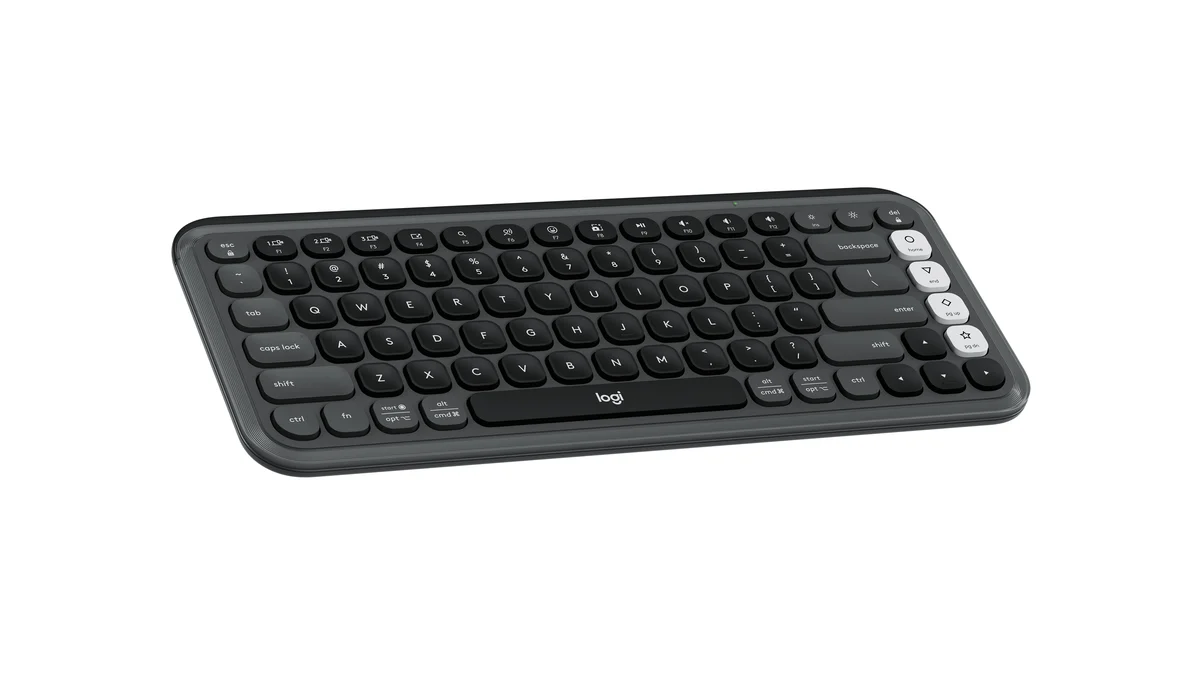
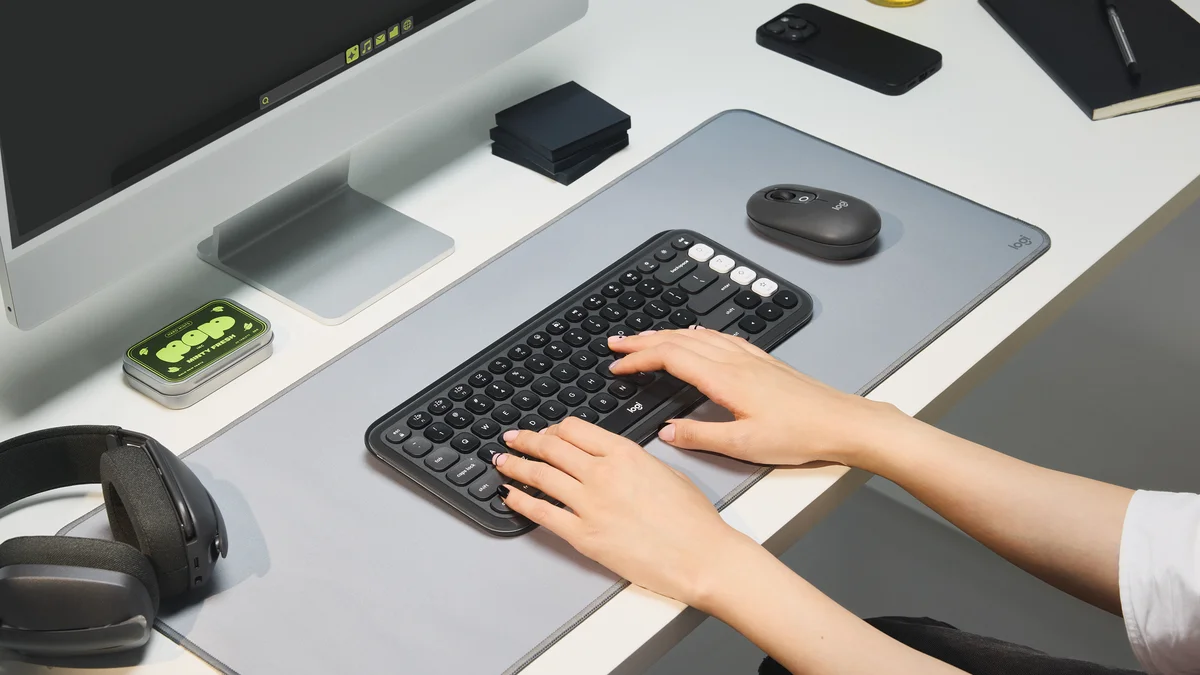
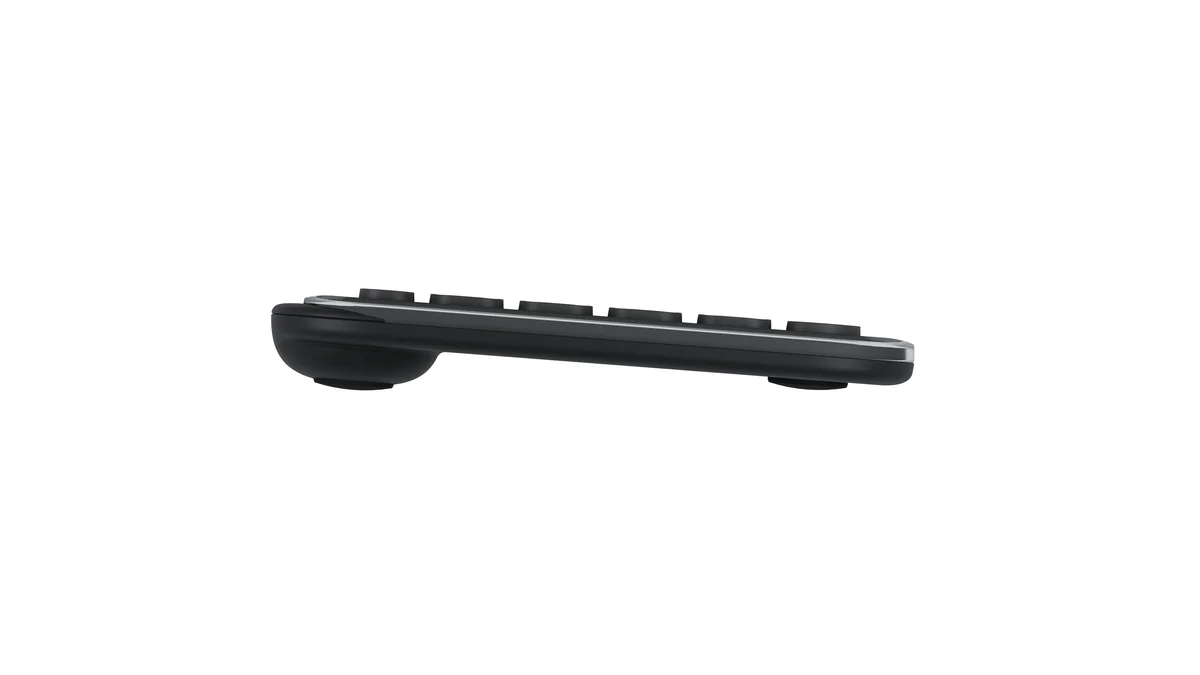
Most of what makes the MX Keys S pleasant carries over for about $50. The low-profile scissor keys are quiet enough that PCMag and Engadget both remarked on it, and three Bluetooth slots let you hop from laptop to tablet to phone. Two AAA batteries run for about 36 months, so the charging routine the MX Keys S demands never comes up.
What It Won't Do
It gives up the number pad and the backlight, and Engadget wanted more key travel. PCMag points out that the Logi Bolt receiver is sold separately, so out of the box you rely on Bluetooth, which some locked-down work PCs block. Wirecutter also did not love the logo in the middle of the spacebar or the shiny clear plastic border.
Who Should Buy Which
Logitech MX Keys S
The best office keyboard at RTINGS, Engadget, and CNN Underscored
- You switch between a work laptop, a desktop, and a tablet every day
- You want a full-size layout with a number pad
- You type in a shared office or on calls and need quiet keys
- You want a backlight for early mornings or late nights
Logitech POP Icon Keys
Wirecutter's top wireless keyboard, with three-year battery life for under $50
- You want a quiet, comfortable wireless keyboard for about $50
- You never want to think about charging
- You work on a small desk and don't use a number pad
- Your computers all support Bluetooth