The Best Drawing Tablets
Verified by
 Ryan V. Editor-in-Chief
When you purchase through links on our site, we may earn an affiliate commission.
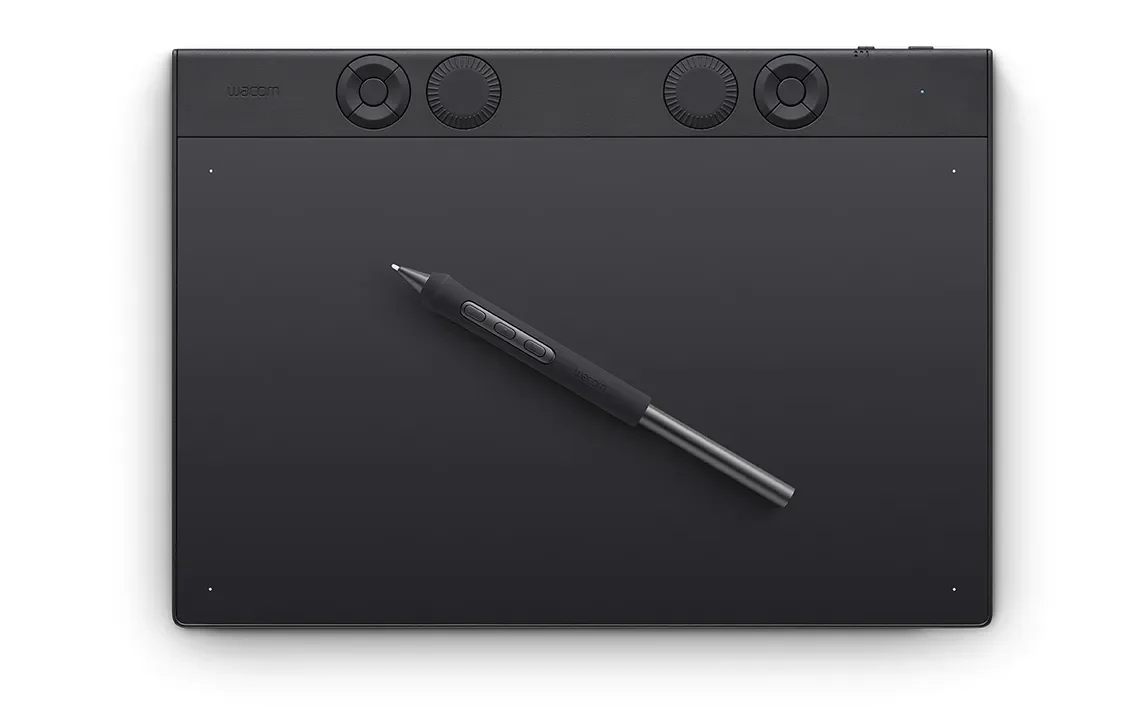
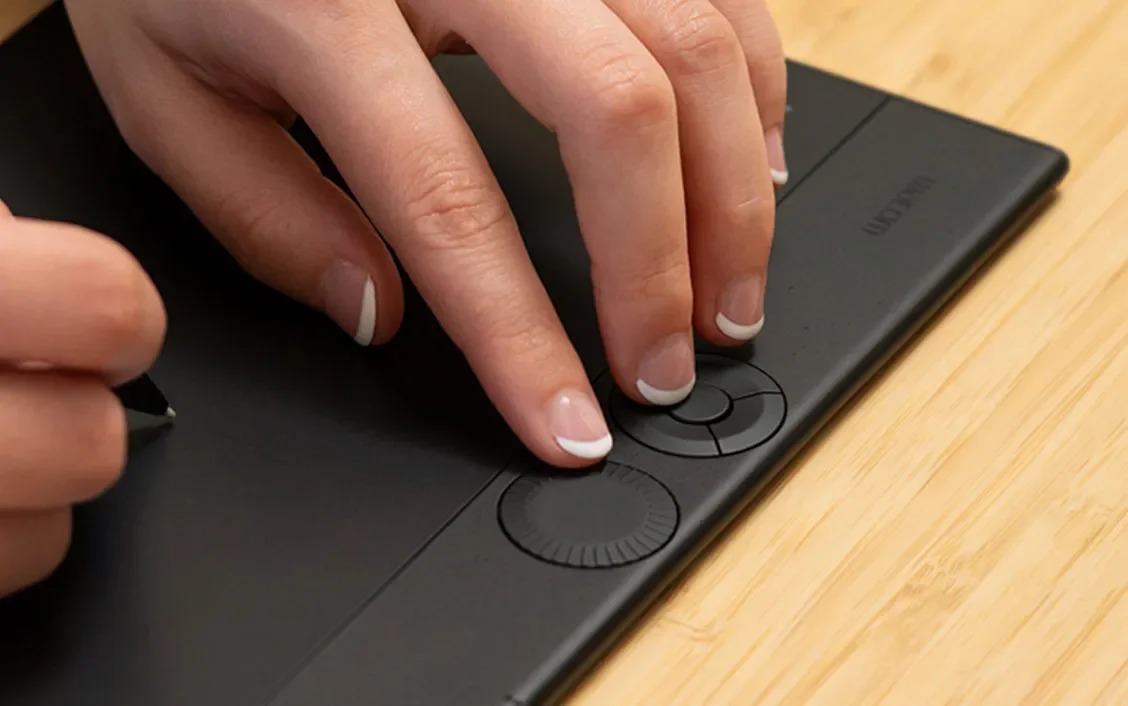
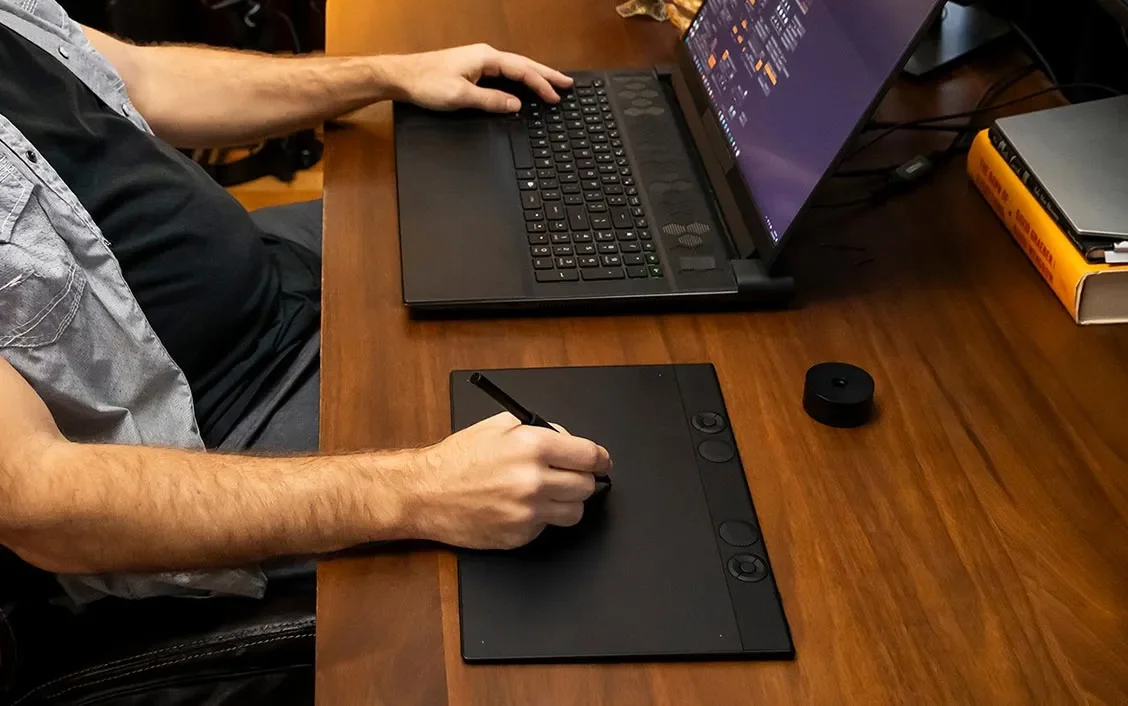
Eight independent reviews covered this category: CreativeBloq (two separate articles), TechRadar, Digital Camera World, Art Side of Life, Tech Times, Clip Studio's Art Rocket, and the Kunstplaza six-expert panel. The Wacom Intuos Pro Medium ranked #1 in three of them. Ian Dean's CreativeBloq main guide put it on top for quality build and slim profile; Mike Harris at Digital Camera World called it 'the best drawing tablet for photo editing overall with reliable precision and unmatched software compatibility'; Joe Foley's CreativeBloq follow-up gave it 5/5 specifically for the new Pro Pen 3 with 1g activation force. No competing pen tablet appears in more than two top-three slots across these reviews. What anchors the consensus isn't the pressure-level spec, since Wacom is at 8,192 while XPPen and Huion have moved to 16,384. It's the surface tooth and the driver story. Iva Mikles spelled it out in the Art Side of Life Wacom vs Huion deep dive: 'Wacom's driver ecosystem is the most stable in the industry, and while XPPen and Huion have made huge strides, Wacom drivers still have fewer conflicts with creative software, especially Adobe products.' That's the difference between a tablet you have to troubleshoot when a Photoshop update lands and one that just works on day one. The Intuos Pro Medium is $379.95 with eight ExpressKeys, a Touch Ring, multi-touch surface, and Bluetooth. It's the working illustrator's default.
What It Won't Do
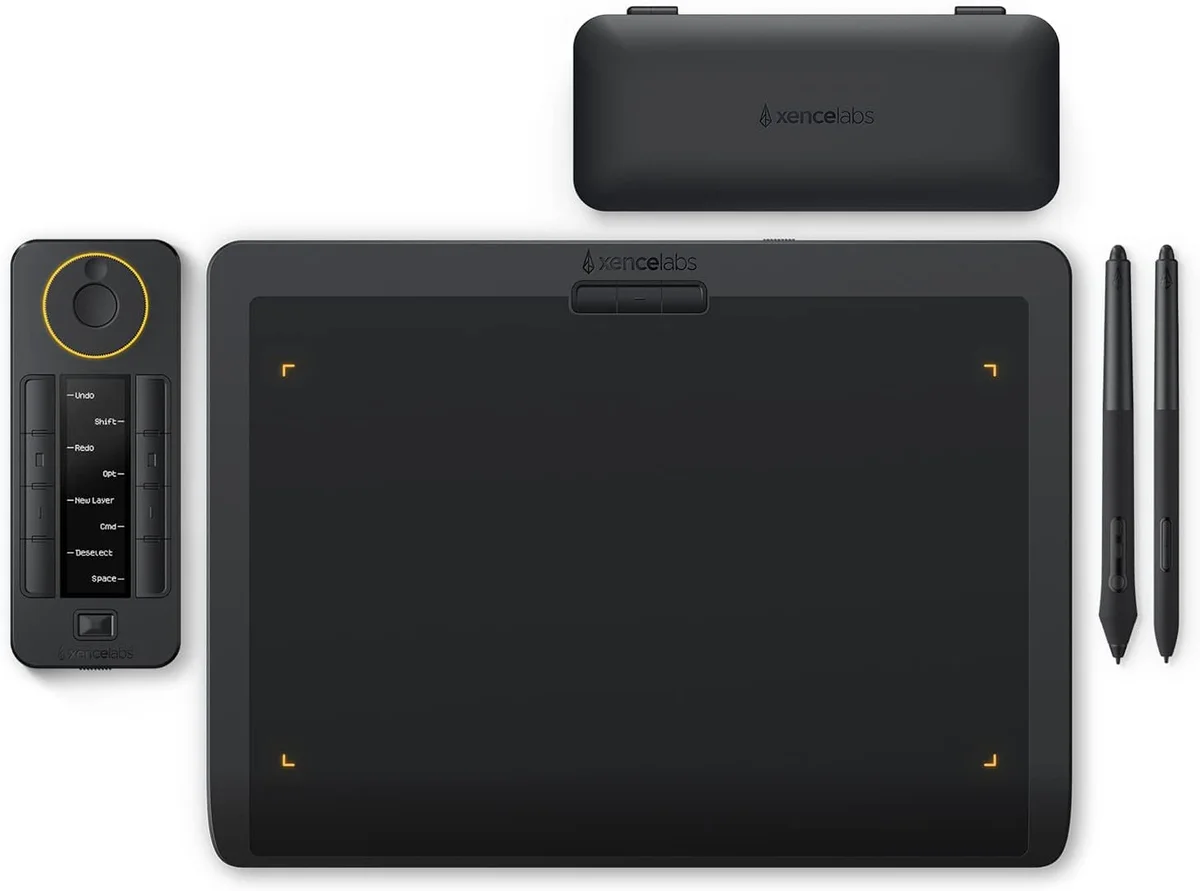
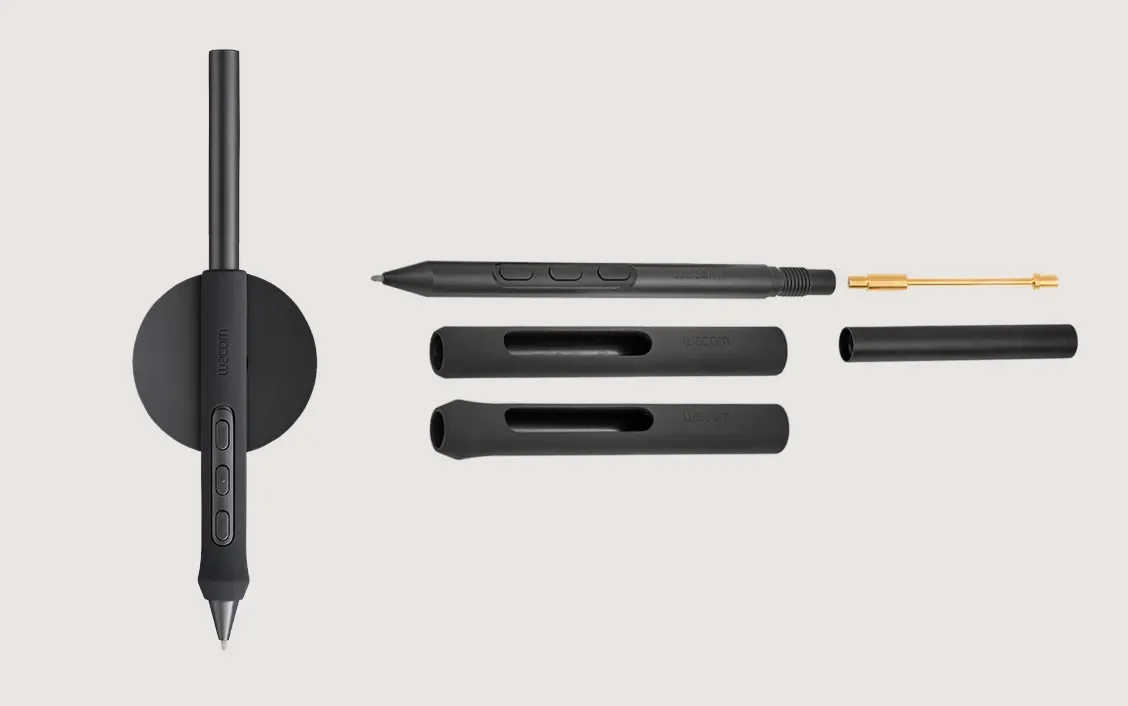
CreativeBloq's main guide flagged the obvious flaw: 'More expensive than competitors, comes with only one stylus.' Xencelabs ships its Pen Tablet Medium Bundle with two pens, a Quick Keys remote, and a carrying case for $50 less. The Intuos Pro Medium gives you one Pro Pen 3 and the tablet, nothing else. The pressure-level spec of 8,192 levels also reads as 'half what the competition offers' on a feature list, even though every reviewer who tested side-by-side concluded the Pro Pen 3 has better feel.
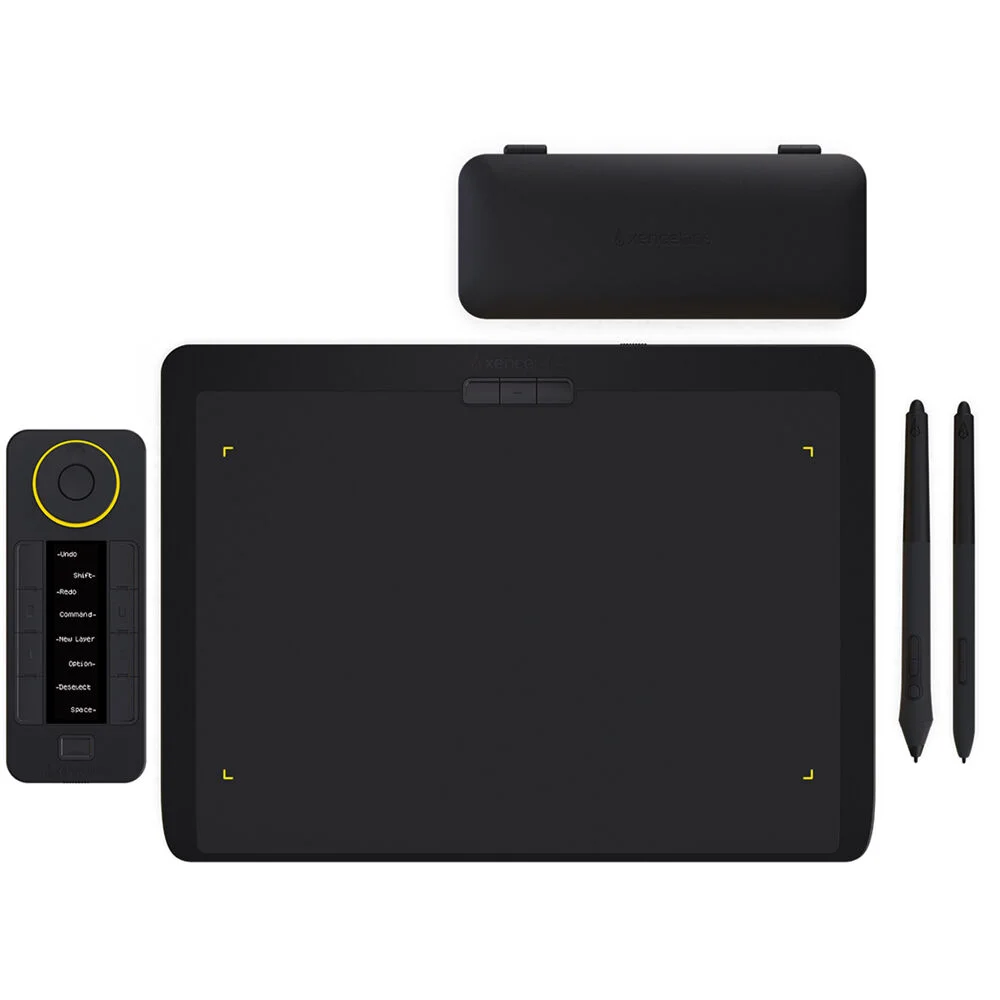
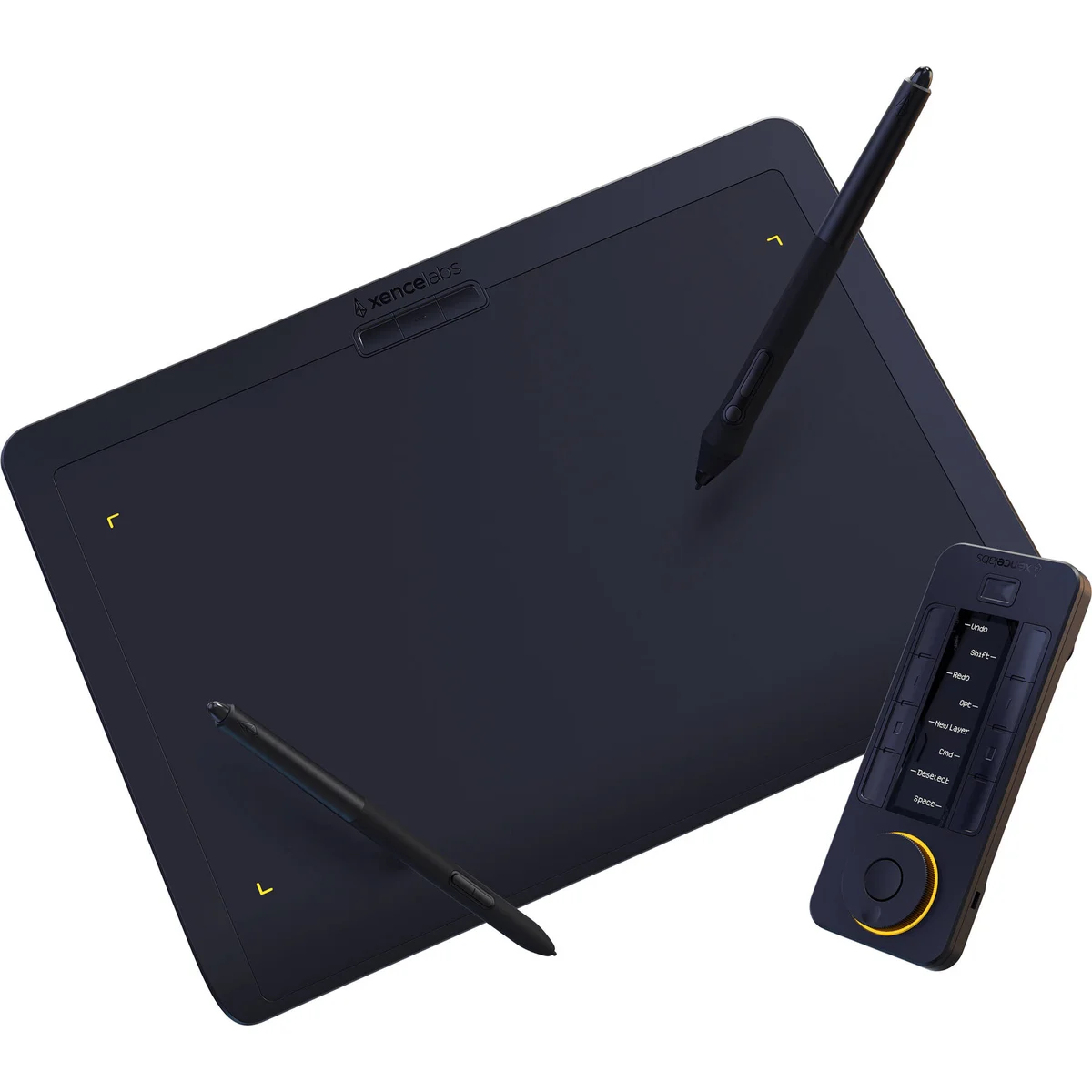
The Xencelabs Pen Tablet Medium Bundle is the rare value pick that wins on accessories rather than cuts. For $329.99, which is $50 less than the Intuos Pro Medium, you get two battery-free pens (a thick 3-button and a slim 2-button), a wireless Quick Keys remote with an OLED display, and a carrying case. Joe Foley (CreativeBloq) gave it 5/5 with the same rating as the Intuos Pro Medium, calling out 'perfect surface tooth, two pens, and a wireless Quick Keys remote.' The Kunstplaza six-reviewer panel scored it 4.6/5 with the phrase 'virtually lag-free drawing experience.' The active drawing area is actually larger than the Intuos Pro Medium (10.33 × 5.8 in vs 8.7 × 5.8 in). Xencelabs was founded by ex-Wacom executives, and the pen feel shows it, because the company has shipped consistent firmware since 2021.

What It Won't Do
CreativeBloq's main guide raised the architectural complaint: 'Shortcut keys are on a separate remote rather than integrated into the tablet body.' If you'd rather not have a second physical device on your desk, the Intuos Pro's bezel-mounted ExpressKeys win. Joe Foley also noted the Xencelabs 'doesn't feel quite as premium in hand as the Intuos Pro.' And Digital Camera World flagged the driver maturity gap: 'Newer brand with smaller driver ecosystem than Wacom.'
Who Should Buy Which
Wacom Intuos Pro Medium
The pen tablet that wins three out of eight independent rankings on 40 years of driver maturity, the Pro Pen 3 with 1g activation force, and the workflow surface every working illustrator already knows.
- Work in Adobe Photoshop or Illustrator daily, where driver conflicts kill your weekend
- Want shortcut keys integrated into the tablet body, not on a separate remote
- Already invested in Wacom drivers and Wacom Center
- Photo retoucher or 3D sculptor, since the pressure-level spec doesn't matter, the feel does
- Need Linux support, because Wacom's LinuxWacom kernel integration is the only mature option
Xencelabs Pen Tablet Medium Bundle
Two pens, a wireless Quick Keys remote, and a carrying case for $50 less than Wacom ships a single Intuos Pro stylus. It's the value pick three independent reviewers gave 5/5.
- Just buying your first pro pen tablet, where the bundled accessories save real money
- Larger active area matters (10.33-inch vs 8.7-inch)
- Working remotely with HP Anyware or other remote desktop tools
- Like having a separate Quick Keys remote you can position anywhere on the desk
- Comfortable troubleshooting occasional driver hiccups in exchange for the bundle value