The Lenovo Legion Pro 7i (Gen 10) meets
the MSI Vector 16 HX AI
The clearest gaming-performance leader in the mainstream premium tier. We tested it head-to-head against the MSI Vector 16 HX AI across 7 key dimensions.
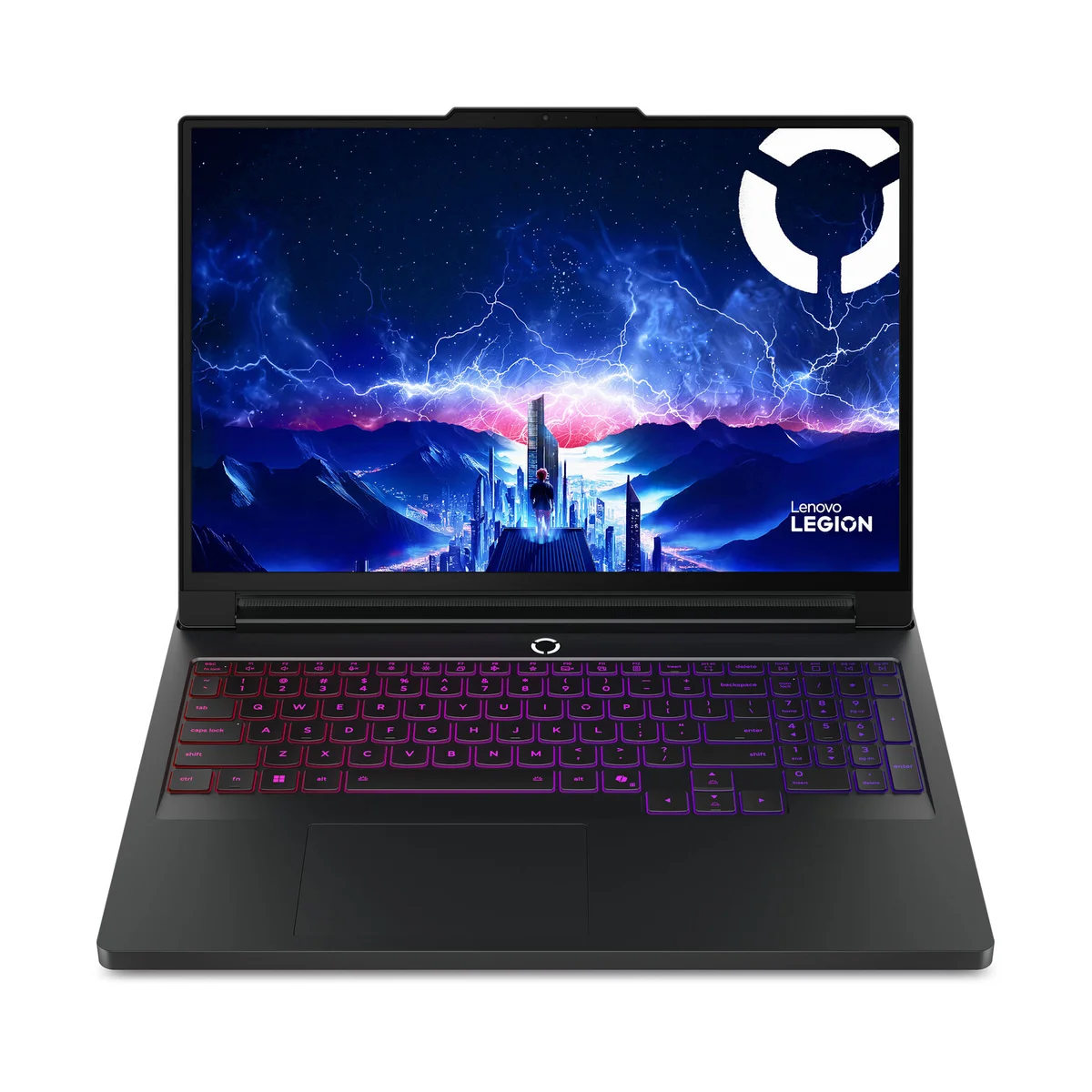
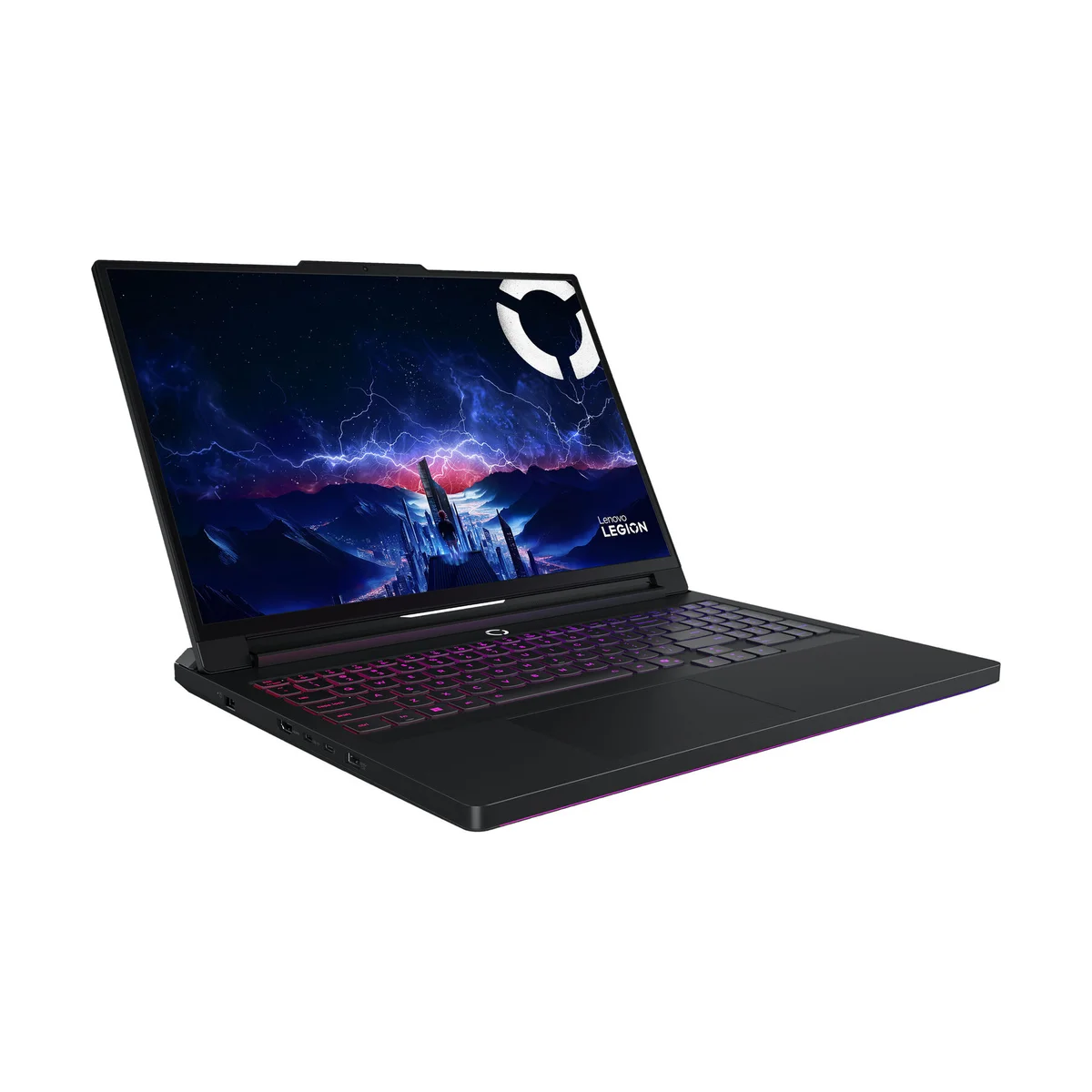
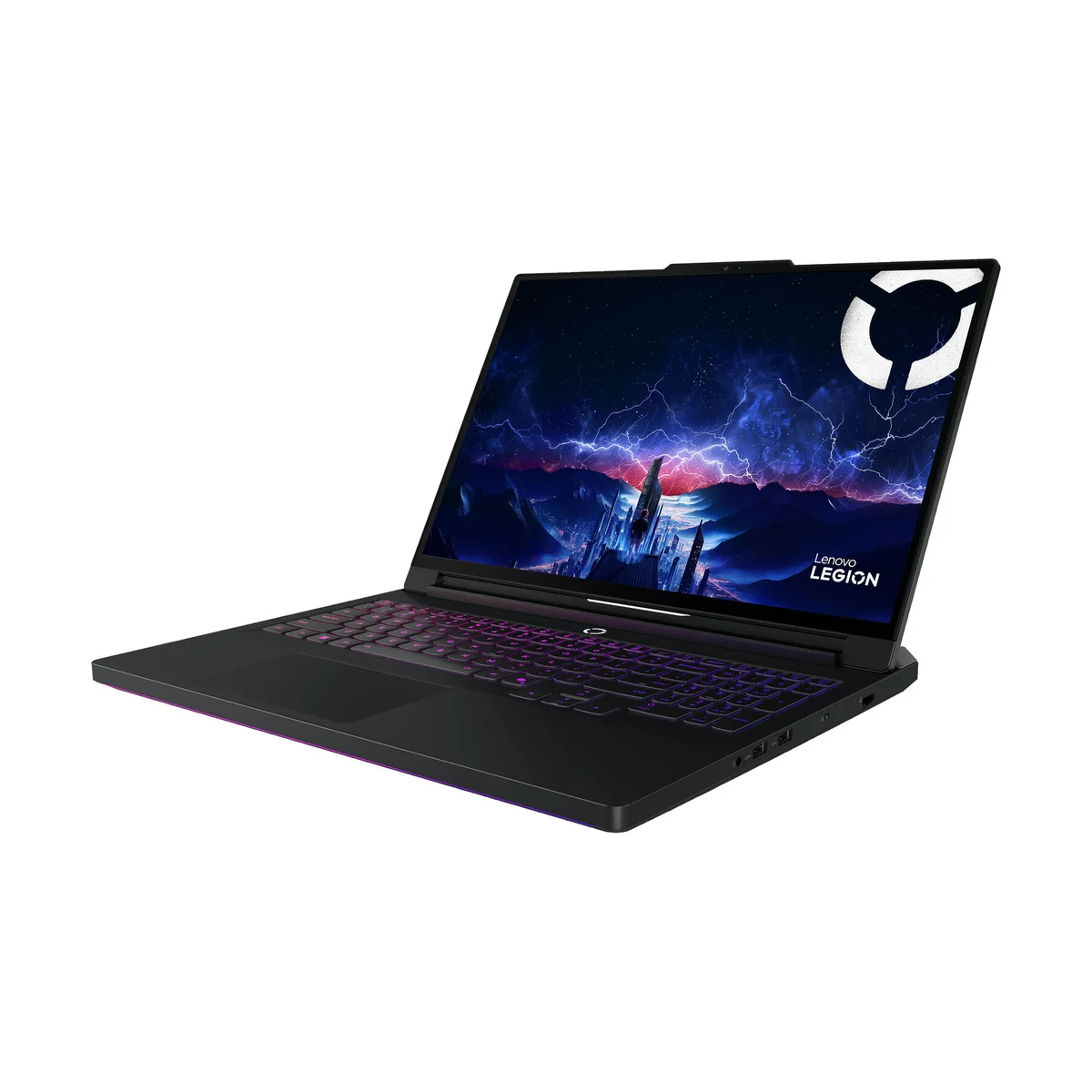
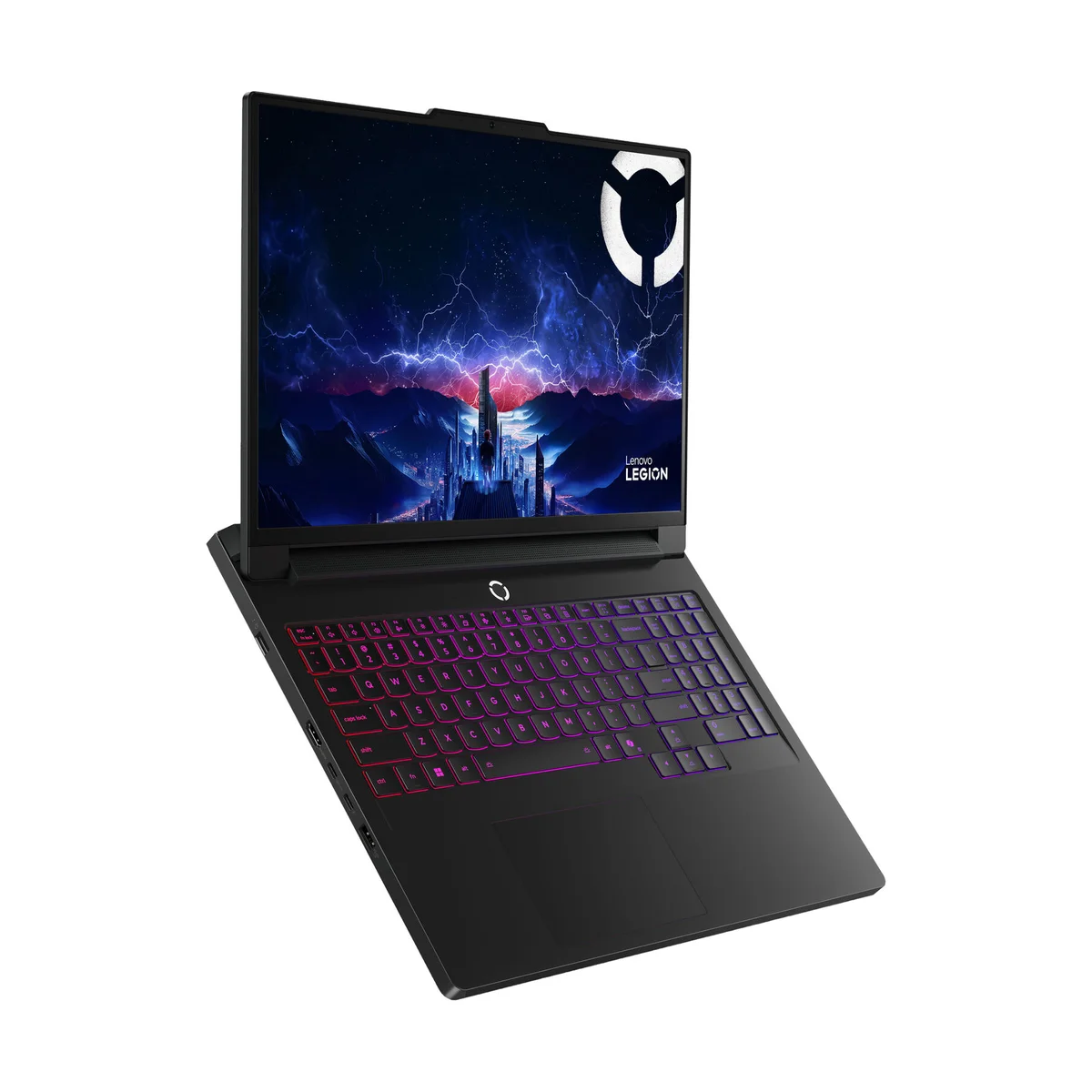
Lenovo Legion Pro 7i (Gen 10)
“The clearest gaming-performance leader in the mainstream premium tier”
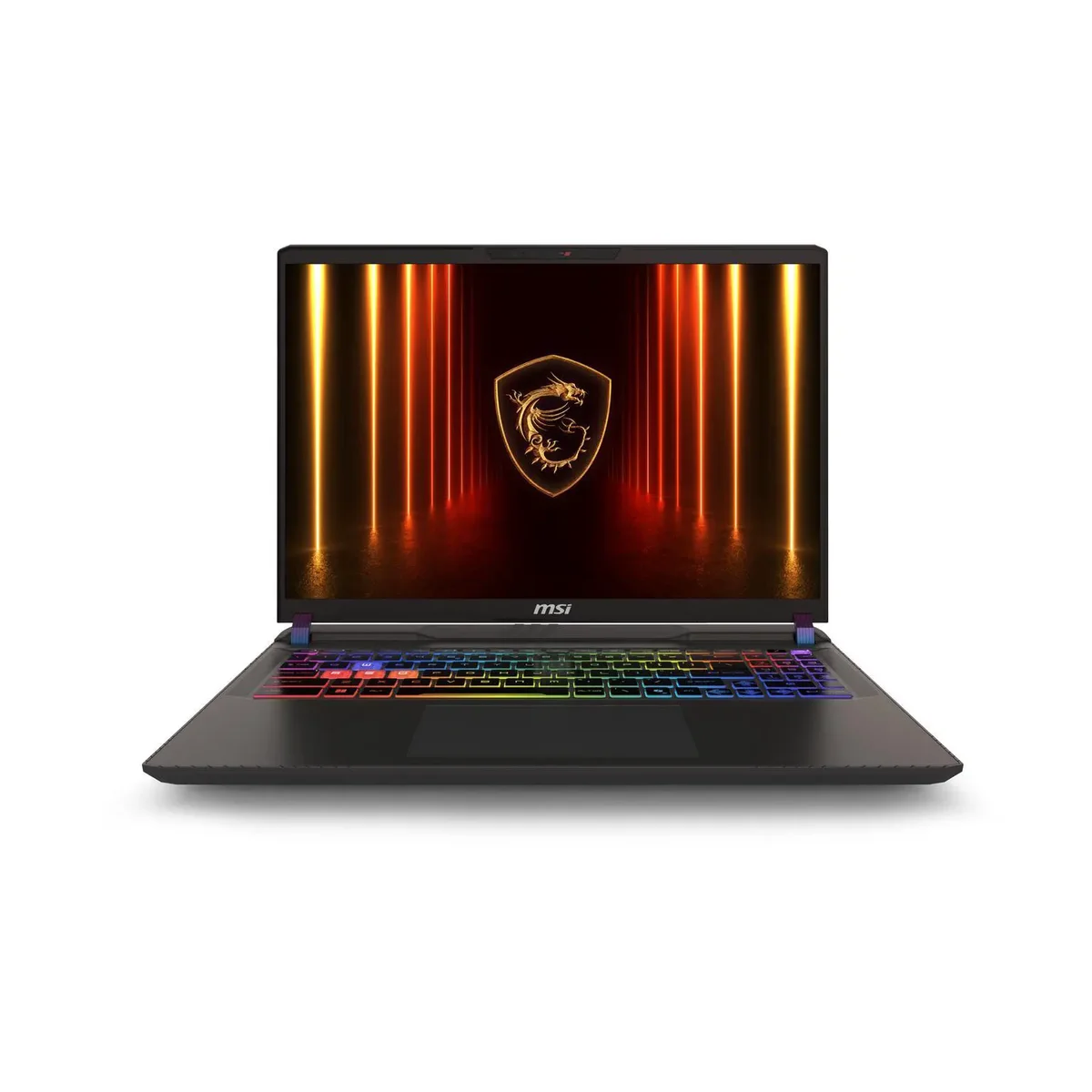
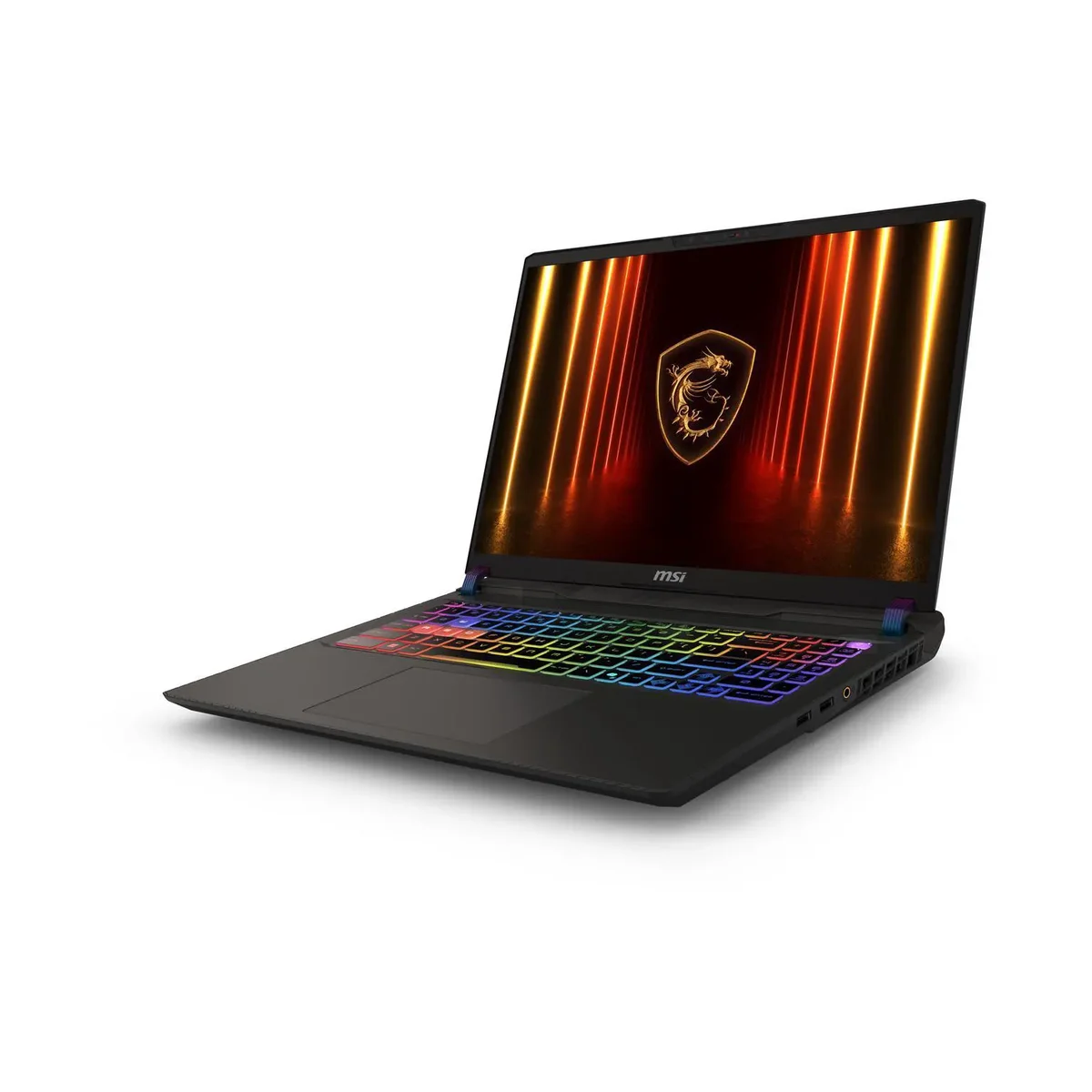
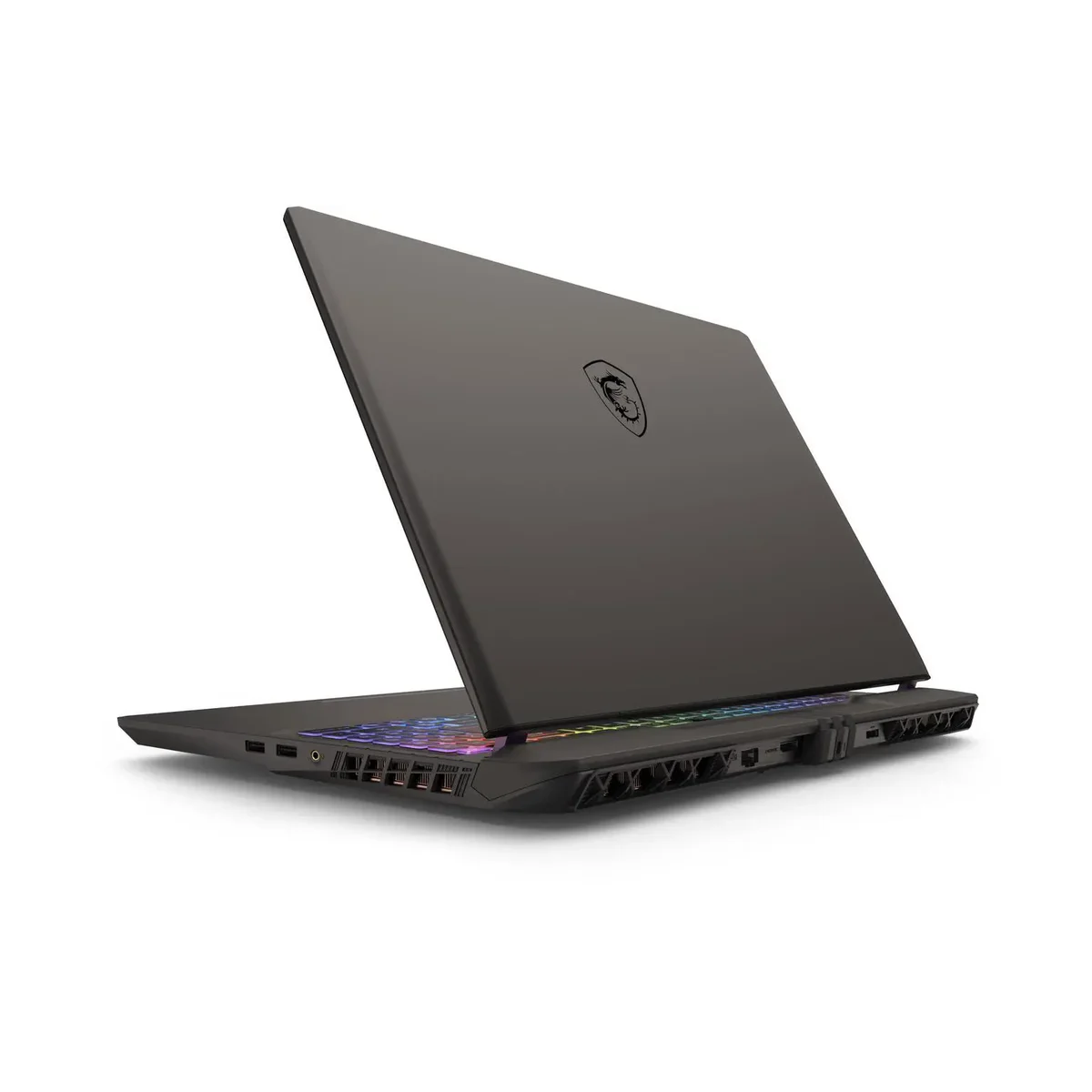
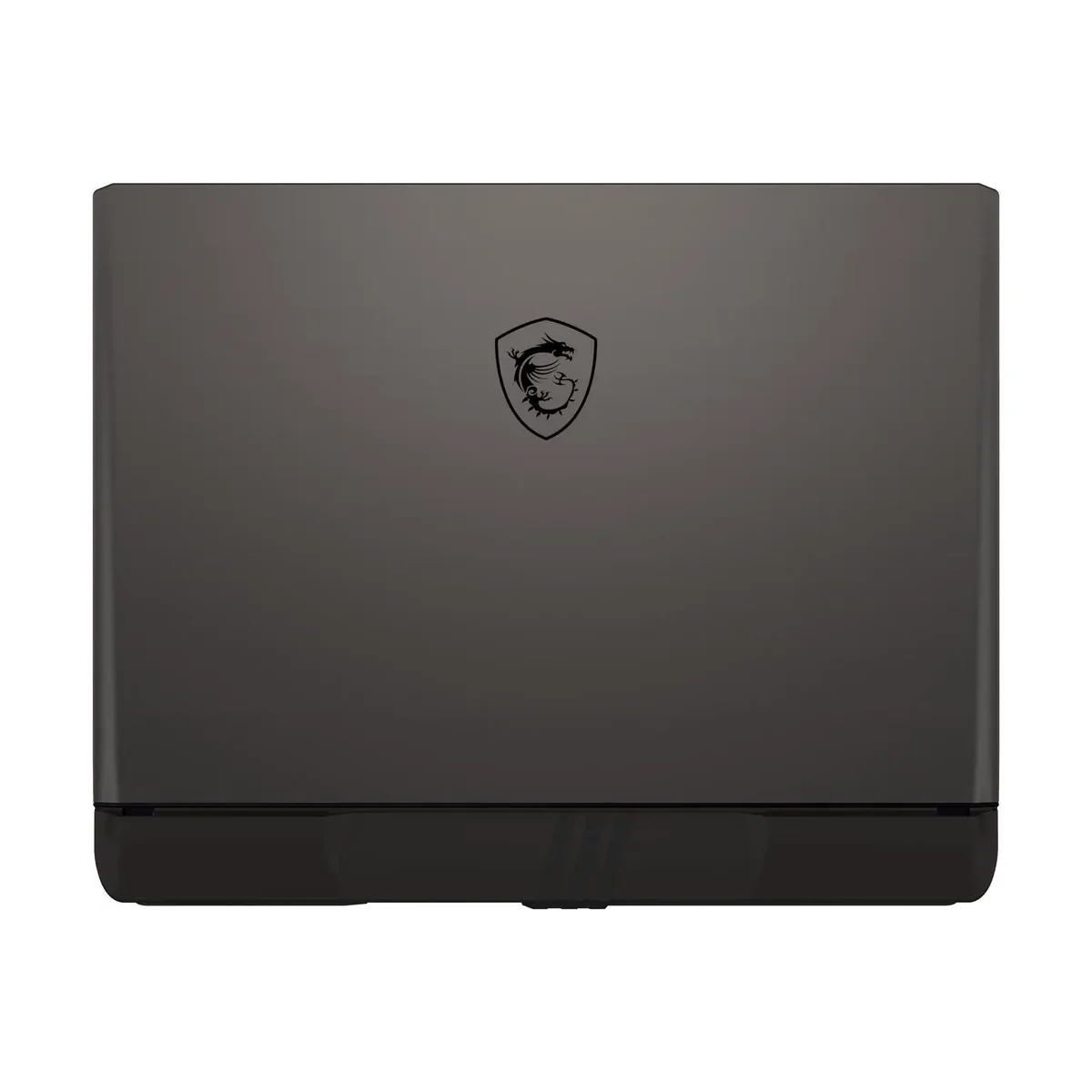
MSI Vector 16 HX AI
“RTX 5070 Ti gaming performance for around $1,800, and the rare laptop with Thunderbolt 5 at this price”
Head-to-Head Breakdown
Strengths & Weaknesses
Lenovo Legion Pro 7i (Gen 10)
- Jarrod's Tech ranks it the year's #1 gaming laptop, pushing higher frame rates than rivals using the exact same RTX 5070 Ti silicon
- 500-nit 240Hz OLED is roughly 25% brighter than the ~400-nit panels on every other premium competitor (Jarrod's Tech)
- Full Advanced Optimus and G-Sync support eliminates the tearing and reboot dance you have to do on cheaper rivals (Jarrod's Tech)
- No Thunderbolt 5 and no IR camera for Windows Hello, baffling omissions on a $2,000+ laptop (Jarrod's Tech)
- Massive 400-watt power brick weighs over 2 lbs and makes the total carry weight more than 8 lbs (Jarrod's Tech)
- Rear-only port placement forces cables behind the screen, which some users find awkward (Jarrod's Tech)
MSI Vector 16 HX AI
- Jarrod's Tech calls this configuration an 'insane value' and 'absolute steal', same RTX 5070 Ti as the Legion Pro 7i for hundreds less
- Includes Thunderbolt 5 connectivity, which even the much more expensive Legion Pro 7i omits (Jarrod's Tech)
- MSI's BIOS offers the deepest tuning and customization options of any brand for buyers who like to tinker (Jarrod's Tech)
- No Advanced Optimus and no G-Sync, you have to manually flip the MUX switch and reboot to get tear-free max performance (Jarrod's Tech)
- Screen lottery: avoid the dim 1920x1200 144Hz SKU and only buy the QHD+ 240Hz model (Jarrod's Tech)
- Plastic shroud on the rear ports gets in the way and the chassis feels more budget than the price suggests (Jarrod's Tech)
The Verdict
Our Bottom Line
The MSI Vector 16 scores below all five runners-up on the weighted formula because its missing G-Sync and screen-lottery risk drag display quality down to 45, and the runners-up are all premium-tier laptops competing on raw quality. We chose the Vector 16 as Best Value because the weighted score doesn't capture price-performance, and Jarrod's Tech is unambiguous that no other laptop at this price delivers the same RTX 5070 Ti silicon with Thunderbolt 5. The runners-up like the Zephyrus G14 and Legion 9i are objectively better laptops, but they cost twice as much.
Lenovo Legion Pro 7i (Gen 10)
Jarrod's Tech tested 35 gaming laptops in 2025 and again ranked the Legion Pro 7i at the top of the year. The reason is straightforward: it consistently posts higher frame rates than rivals using the exact same RTX 5070 Ti silicon. Lenovo's aggressive power delivery squeezes every last frame out of the chip, and the difference shows up in demanding titles like Cyberpunk 2077 and Black Myth: Wukong at native 1440p.
- You play demanding AAA games at 1440p and want the highest sustained frame rates possible
- A 500-nit OLED display with 240Hz refresh and full G-Sync is worth paying for
- You game mostly at a desk and don't need to carry the laptop daily
- You want plug-and-play tear-free gaming without manually flipping MUX switches
- Premium build quality and unique touches like ceramic keycaps matter to you
MSI Vector 16 HX AI
Jarrod's Tech called the MSI Vector 16 with the RTX 5070 Ti an "insane value" and "absolute steal." The reason is simple: it ships with the same GPU as the Legion Pro 7i for roughly $300 less. At $1,759 for the QHD+ 240Hz configuration, it delivers about 30% faster 1440p gaming than standard RTX 5070 laptops in the same price range while providing the essential 12GB of VRAM that newer games like Indiana Jones and Forza Motorsport increasingly demand.
- You want the maximum frames per dollar at 1440p and don't mind the extra setup work
- You actively want Thunderbolt 5 for external displays or future-proofing
- You enjoy BIOS tuning, undervolting, and dialing in fan curves manually
- You're willing to research model numbers carefully to avoid the dim 1080p variant
- Saving $300+ versus the Legion Pro 7i frees up budget for a better monitor or peripherals