The CalDigit TS5 Plus meets
the Wavlink Thunderbolt 5 Dock (WL-UTD58)
Twenty ports, 10Gb Ethernet and 140W charging from one Thunderbolt 5 cable. We tested it head-to-head against the Wavlink Thunderbolt 5 Dock (WL-UTD58) across 6 key dimensions.
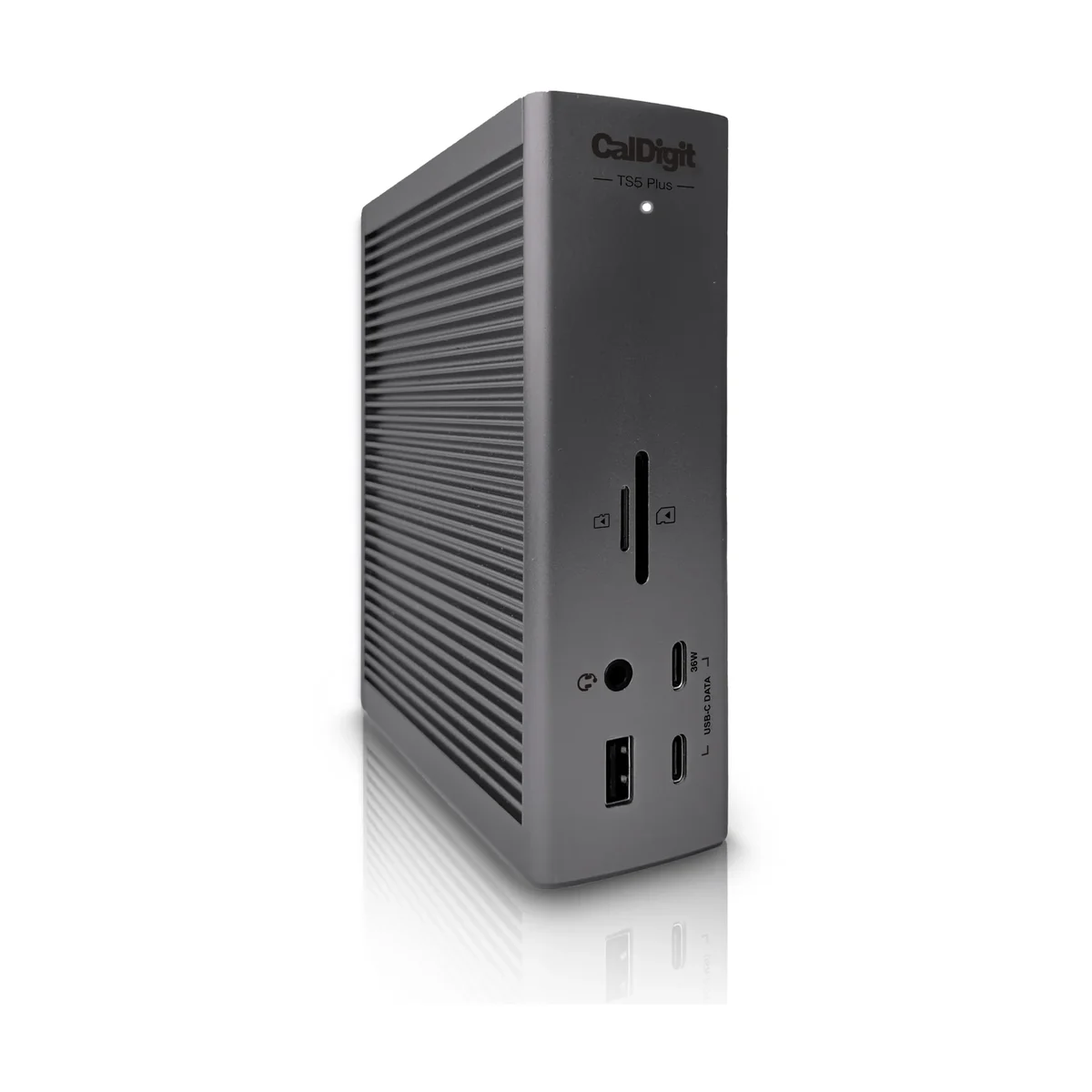
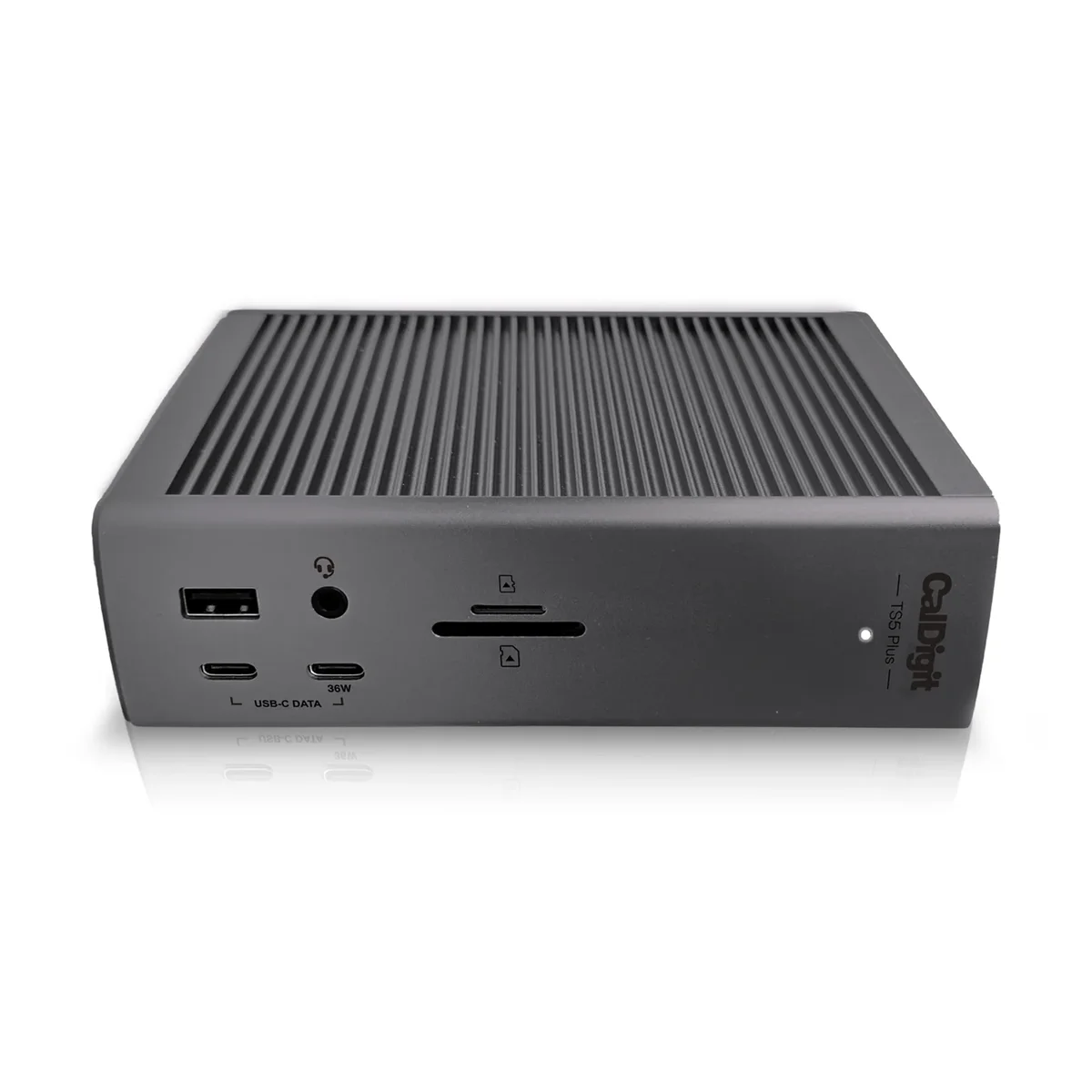
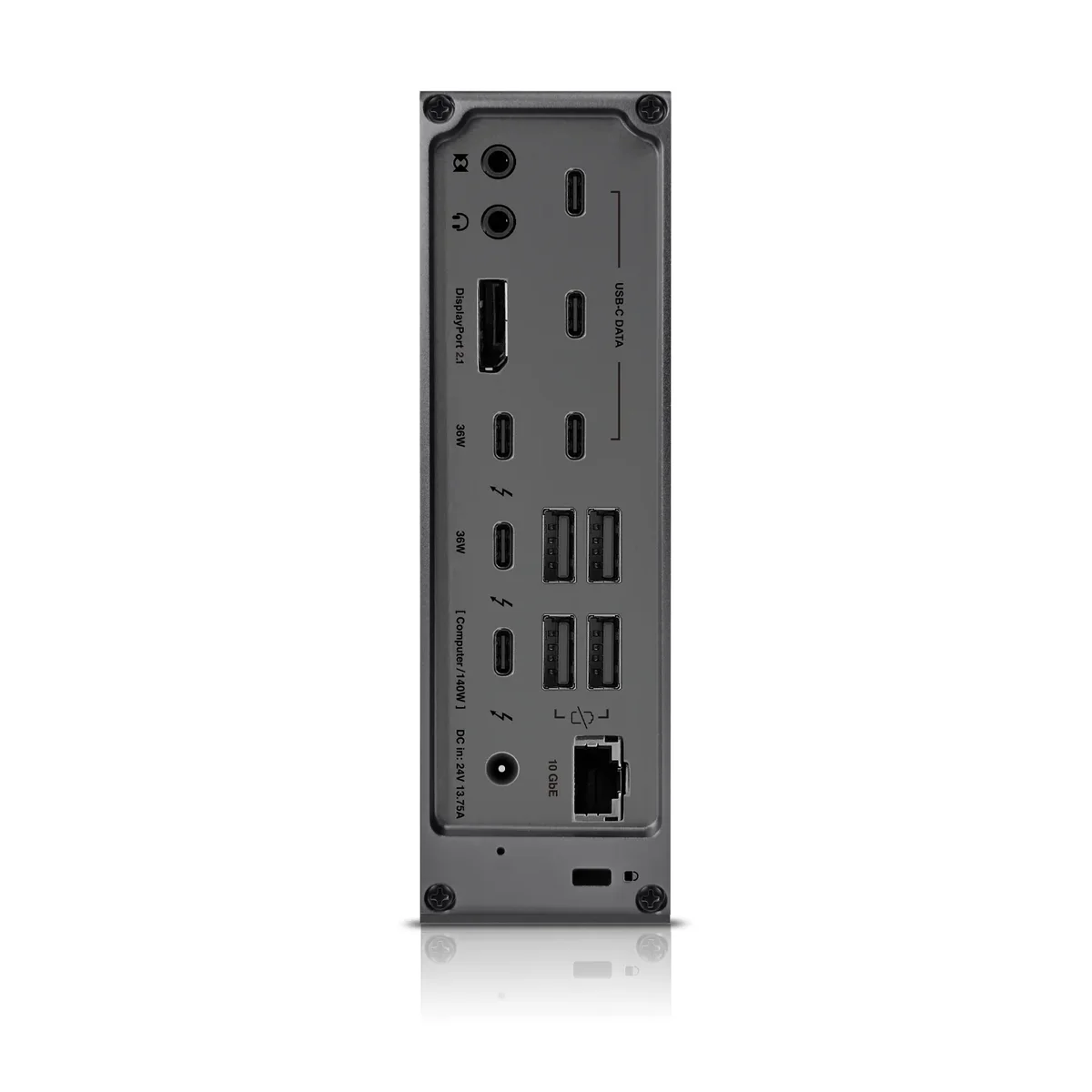
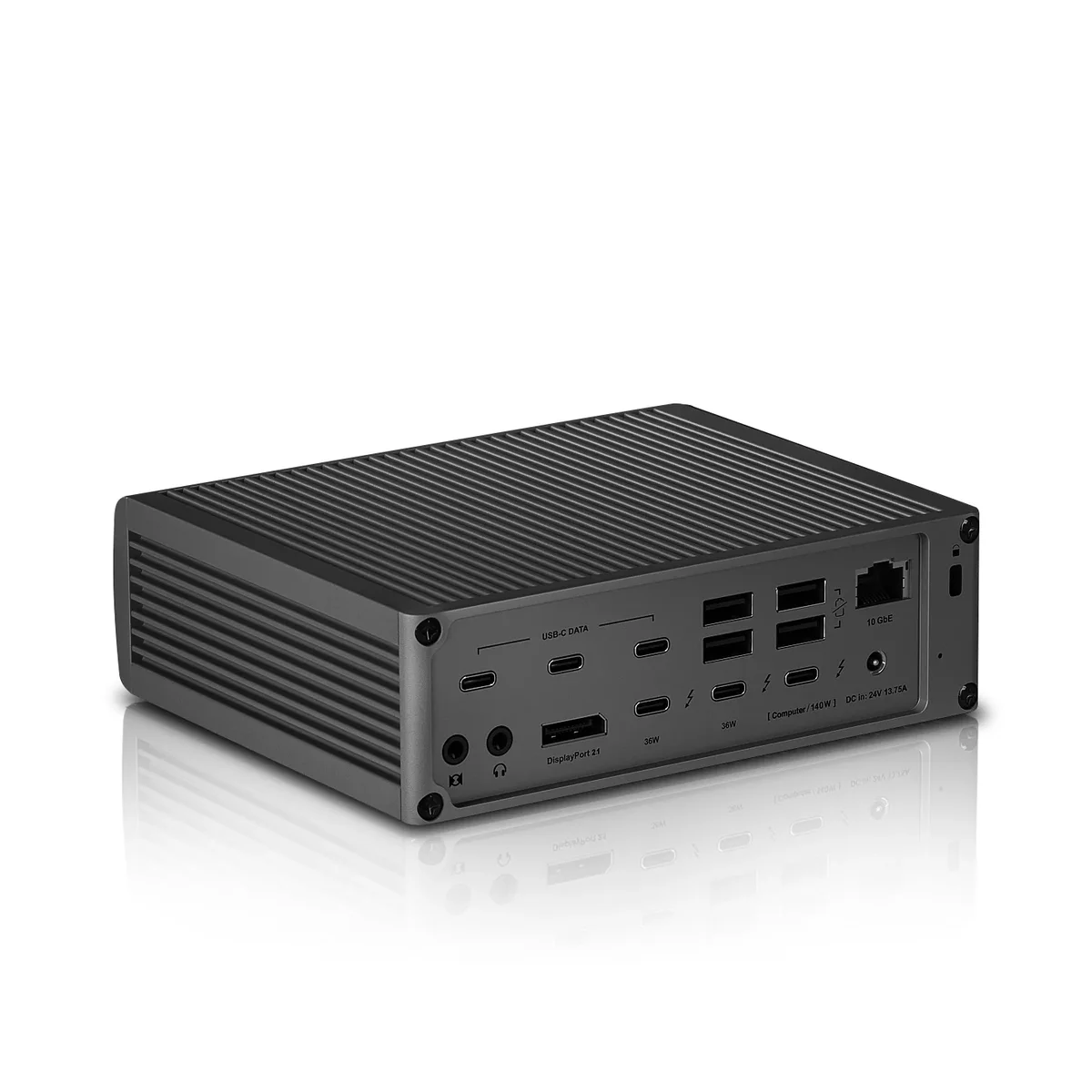
CalDigit TS5 Plus
“Twenty ports, 10Gb Ethernet and 140W charging from one Thunderbolt 5 cable”
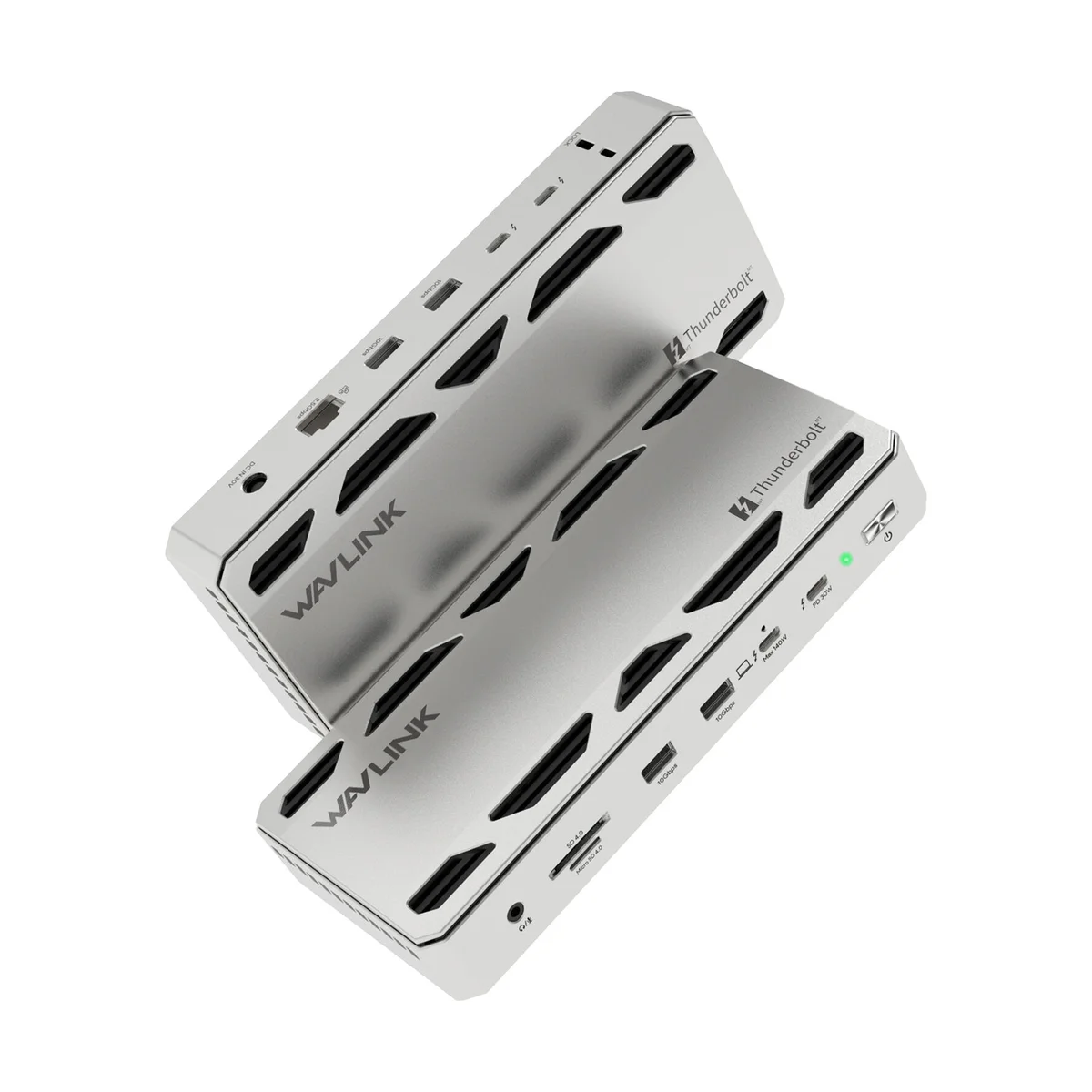
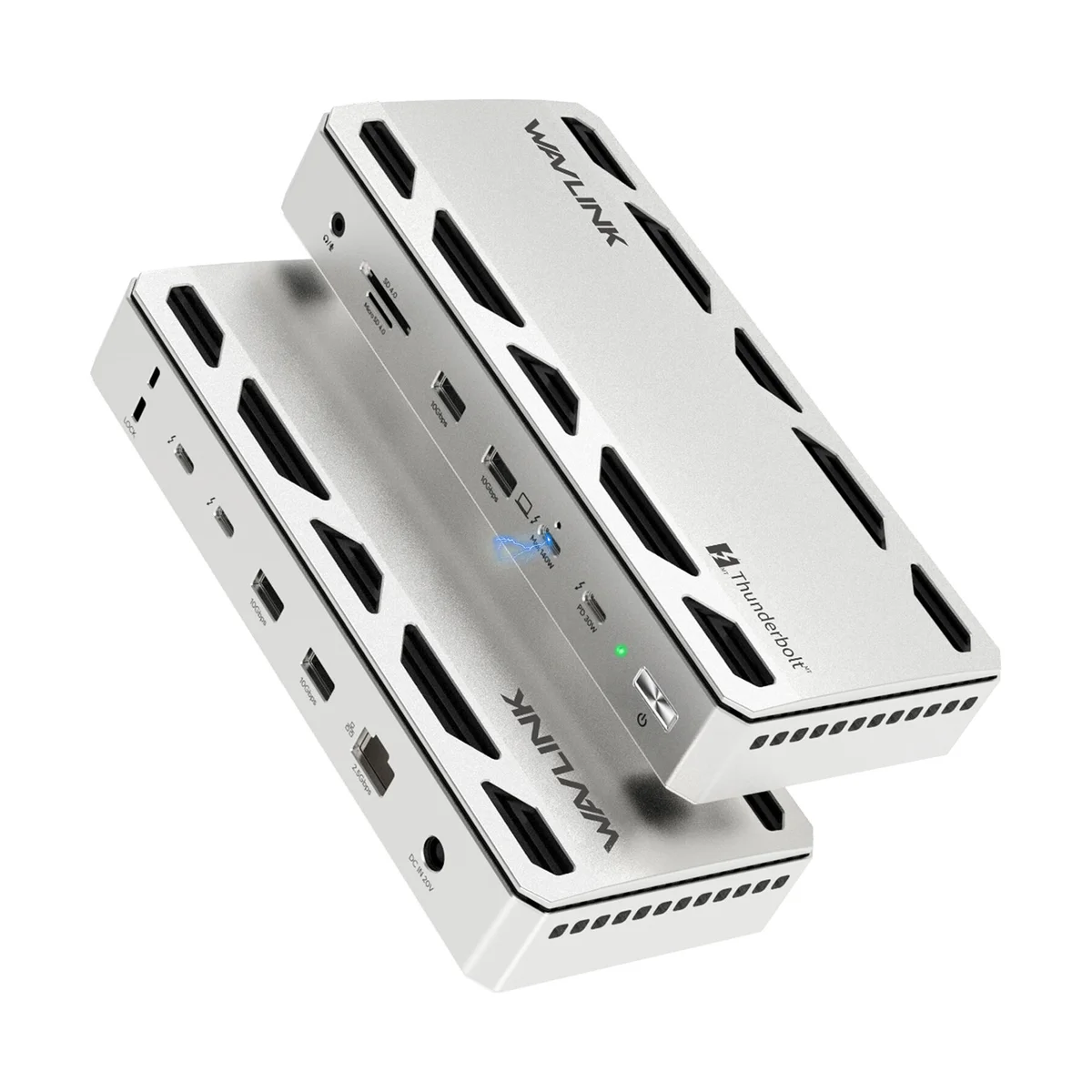
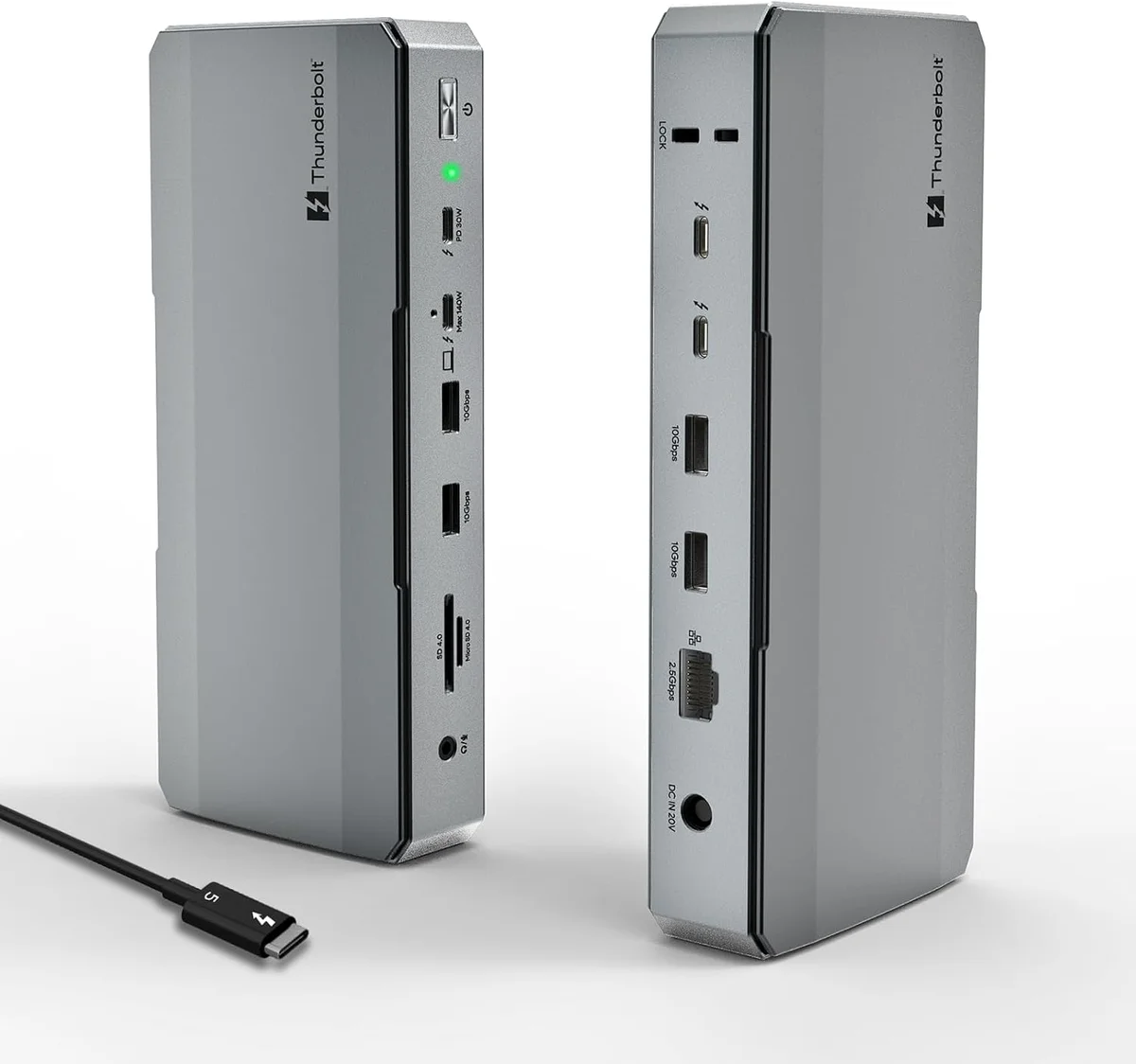
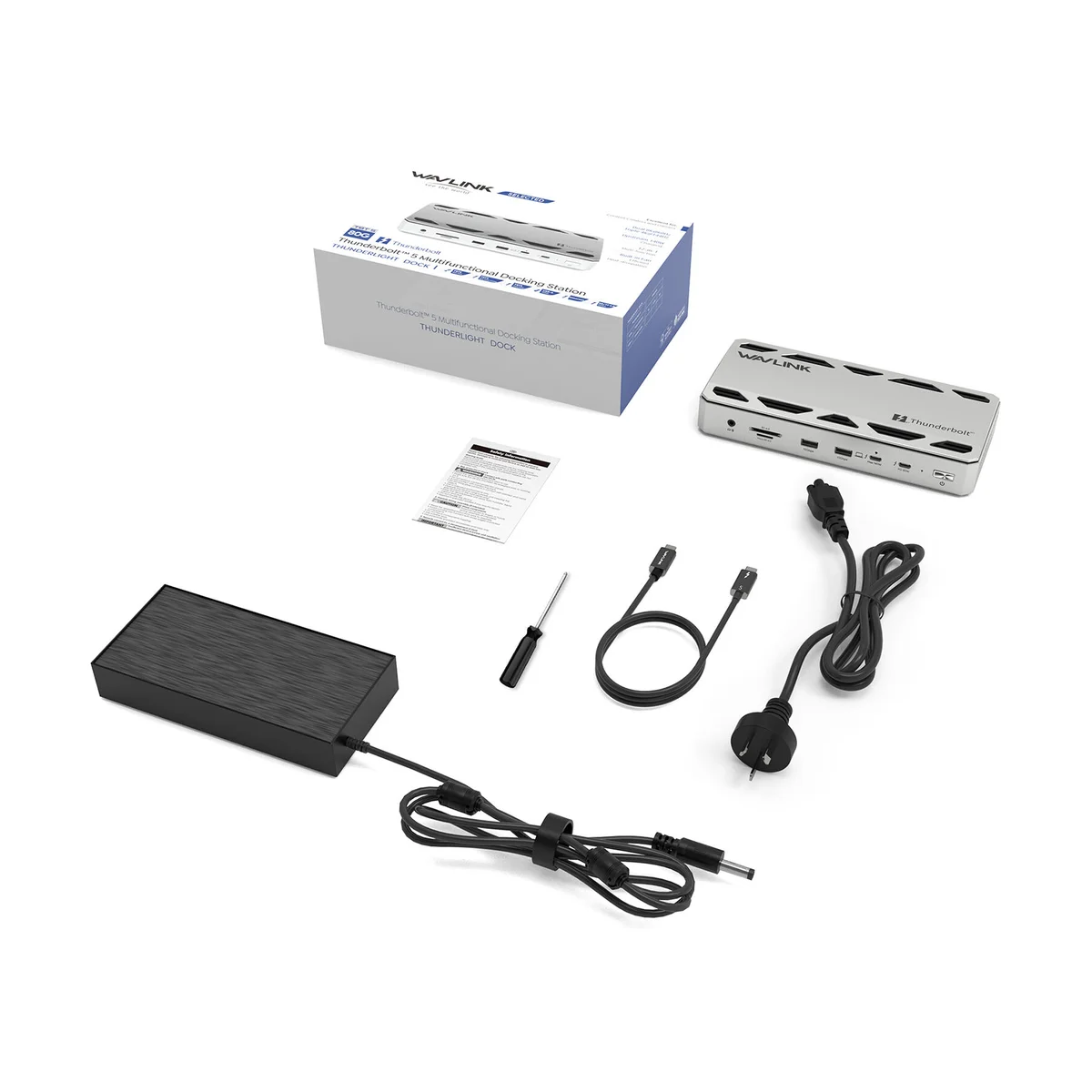
Wavlink Thunderbolt 5 Dock (WL-UTD58)
“Thunderbolt 5 bandwidth and 140W charging at a budget dock price”
Head-to-Head Breakdown
Strengths & Weaknesses
CalDigit TS5 Plus
- Windows Central's best overall dock and the top Thunderbolt 5 pick at both Macworld and Cult of Mac
- The only dock in this group with 10Gb Ethernet, which Windows Central says competing docks lack
- Native DisplayPort 2.1 alongside two downstream Thunderbolt 5 ports, earning Tom's Hardware's premium Thunderbolt 5 award
- $499.99 list price, and Wirecutter's Jared Newman judged it not worth that premium over cheaper Thunderbolt 5 docks
- Gets hot under sustained load, according to Rajesh Pandey at Cult of Mac
- Only two downstream Thunderbolt 5 ports, and the 330W power brick takes up real desk space
Wavlink Thunderbolt 5 Dock (WL-UTD58)
- Windows Central's best value Thunderbolt 5 dock, and Tom's Hardware gave the same award to its M.2 variant
- Three downstream Thunderbolt 5 ports and 140W host charging, matching the CalDigit TS5 on paper
- UHS-II SD and microSD readers plus 2.5Gb Ethernet, which helped it earn Macworld's great budget Thunderbolt 5 dock label
- No HDMI or DisplayPort, so every monitor needs a USB-C or Thunderbolt cable, per Cult of Mac and Macworld
- One-year warranty, which Windows Central flags as short next to CalDigit and Kensington
- No active cooling (Cult of Mac), and macOS limits it to two external displays
The Verdict
Our Bottom Line
The CalDigit TS5 Plus is the dock that the most 2026 testing outlets put at the top. Windows Central's Cale Hunt named it best overall and gave it an Editor's Choice, Macworld's Simon Jary ranks it first among Thunderbolt 5 docks for Macs, and Cult of Mac's Rajesh Pandey lists it as his top recommendation. Tom's Hardware's Brandon Hill picks it as the premium Thunderbolt 5 dock for Windows laptops. Four separate guides, written for Mac and Windows readers, landed on the same box.
CalDigit TS5 Plus
The CalDigit TS5 Plus is the dock that the most 2026 testing outlets put at the top. Windows Central's Cale Hunt named it best overall and gave it an Editor's Choice, Macworld's Simon Jary ranks it first among Thunderbolt 5 docks for Macs, and Cult of Mac's Rajesh Pandey lists it as his top recommendation. Tom's Hardware's Brandon Hill picks it as the premium Thunderbolt 5 dock for Windows laptops. Four separate guides, written for Mac and Windows readers, landed on the same box.
- Thunderbolt 5 MacBook Pro or Windows laptop owners who want one cable for everything on the desk
- Creators moving large projects to a NAS or server over 10Gb Ethernet
- Video editors running several fast SSDs at once on separate USB controllers
- Anyone plugging in a DisplayPort 2.1 monitor without an adapter
- Setups that need 140W laptop charging plus 36W ports for tablets and phones
Wavlink Thunderbolt 5 Dock (WL-UTD58)
The Wavlink WL-UTD58 gives you the two numbers that matter most on a Thunderbolt 5 dock, 120Gbps of bandwidth and 140W of laptop charging, at a $299.99 list price. That is $200 under the TS5 Plus. Windows Central named it the best value Thunderbolt 5 dock, Macworld calls it a great budget Thunderbolt 5 dock, and Tom's Hardware gave its M.2-equipped sibling the same value award. Cult of Mac's guide lists it as the cheapest of its six Thunderbolt 5 picks.
- Thunderbolt 5 laptop owners who want full 120Gbps bandwidth at a mid-range price
- Windows users running three 4K monitors at 144Hz from a single cable
- Photographers who need UHS-II SD and microSD readers on the desk
- Desks where the monitors already connect over USB-C or Thunderbolt
- Owners of 16-inch laptops who want 140W charging without paying CalDigit prices